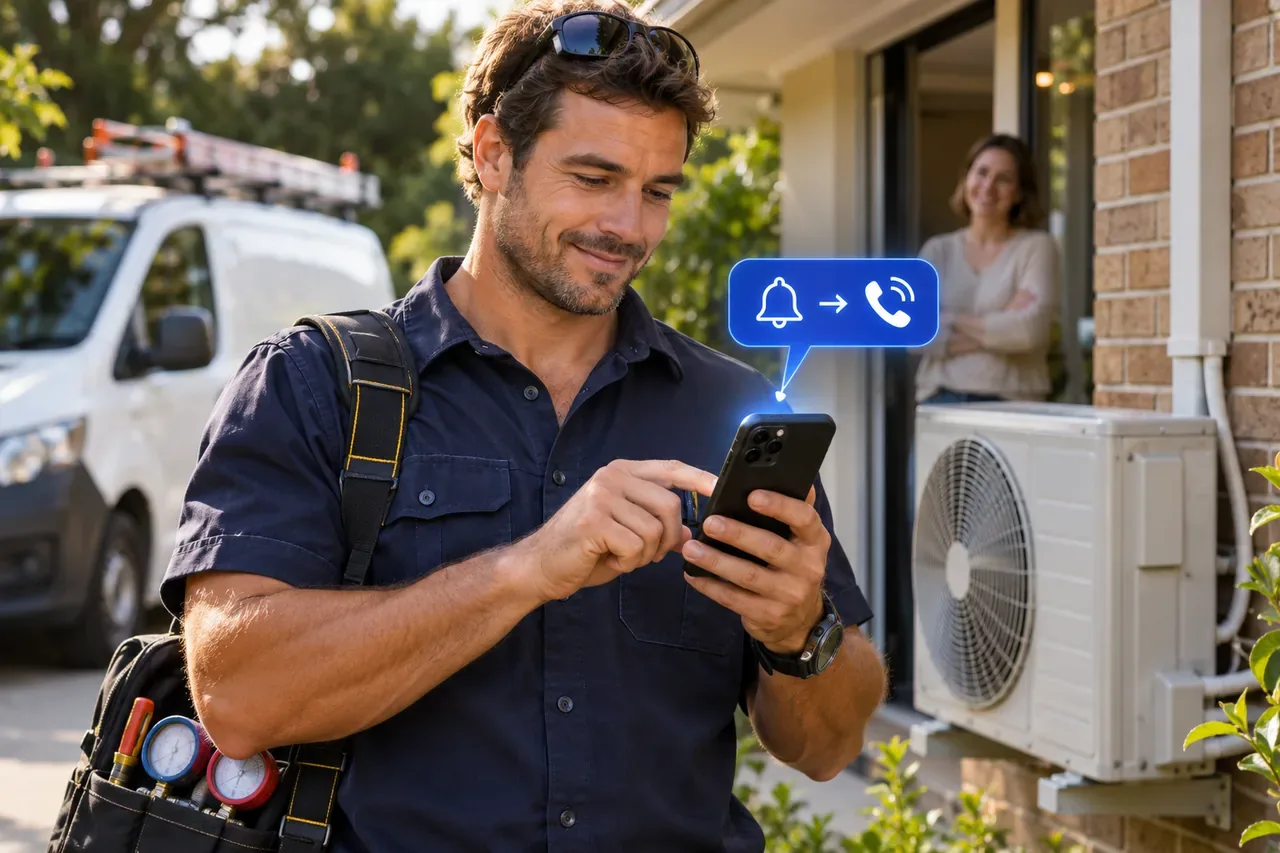
A homeowner sees your Facebook ad during a hot spell and asks if you can replace their air conditioner this week. They’ve contacted two other installers. If the enquiry takes half an hour to reach your CRM, another installer may have already called and booked a visit before you know the lead exists.
HubSpot says new Facebook ad leads can take up to two hours to appear. Even a shorter delay can cost you the chance to be the first to call, especially when the customer is ready to book and you’ve paid for the enquiry.
Are your Facebook leads delayed or missing?
If you’re waiting on an enquiry now, open the submissions for the Facebook Page and Instant Form used in the ad. If it’s already there and someone can call back, use the details in Meta while you check the connection.
- The enquiry is in Meta and eventually appears in HubSpot. Your team may simply be finding out about it too late. Decide who should get new-lead alerts and who makes the first call.
- The enquiry is in Meta but still hasn’t appeared in HubSpot. If you can see yesterday’s enquiry in Meta, use the contact details there to call back now. Then find the exact Instant Form attached to the live ad. In HubSpot, go to Settings → Marketing → Ads → Lead syncing. If other forms on the Page are syncing, check whether this form is listed. If leads from the whole Page are missing, check the Page connection, lead access and any errors in the Ads dashboard.
- The contact arrived, but a custom form answer is missing. The homeowner’s name and number came through, but did they say they need the air conditioner replaced this week? Open the original submission in Meta. If the answer is there, check which HubSpot contact property the question maps to, especially if you recently edited the form. Mapping changes apply to newly synced leads. In LeadSavvy Pro, you can read the form answers on the contact before you tap Call. You can also send those answers to Google Sheets so the office has them.
- The contact arrived, but nobody got an alert. HubSpot’s built-in Facebook lead ad notification is an email for eligible ads. Depending on your plan, you can set up an app notification through a workflow. Check who’s set to receive the alert and who should make the first call. With LeadSavvy Pro, choose who gets an iPhone push alert for that form. When the enquiry comes in, they can open it, read the answers and tap Call.
From Facebook enquiry to iPhone alert to callback
LeadSavvy Pro brings new Facebook and Instagram Instant Form leads into its CRM instantly. With the iPhone app, open the push alert, read the form answers and tap Call.
The installer can see that the homeowner needs a replacement this week and can be home after 3 pm. Once they agree on a time, the installer saves a note and moves the deal to Visit booked. The office can see what was agreed before confirming the appointment. If the office works from a shared spreadsheet, LeadSavvy Pro can send a copy of the enquiry there too.
See how to set up Facebook lead notifications or connect your Facebook leads to Google Sheets.
Use LeadSavvy on its own or alongside HubSpot
- On its own. Use LeadSavvy Pro as your CRM for Meta enquiries. Capture leads, call them back, keep notes and track deals from first contact to booking.
- Alongside HubSpot. Use LeadSavvy Pro for immediate Meta lead capture and first callbacks, with HubSpot handling the rest of your sales or marketing workflow. Agree where to record the call outcome so two people don’t contact the same lead.
Common questions
How long can Facebook leads take to appear in HubSpot?
HubSpot says new leads can take up to two hours to arrive. If a submission is already visible in Meta and keeps failing to appear in HubSpot, check the Page connection, lead permissions and any errors in the Ads dashboard.
How long does it take for Facebook leads to appear in LeadSavvy Pro?
With your Meta Instant Form connected, new enquiries appear in LeadSavvy Pro as soon as Meta sends them. If iPhone notifications are enabled, you can open the alert, read the form answers and tap Call.
Do I need HubSpot to use LeadSavvy Pro?
No. LeadSavvy Pro has its own CRM and pipeline, so you can capture Meta leads, call them and track follow-up in one place.
Do I need Zapier for instant Facebook lead capture?
No. LeadSavvy Pro connects directly to Meta Instant Forms. Starter includes lead capture, Google Sheets export and a basic pipeline for US$9 per month. Grow and Scale include ongoing iPhone app access.
Compare LeadSavvy Pro plans or start a seven-day free trial.