1. Find the lead ad
Open Meta Ads Manager, choose the correct ad account, and open the Ads view for your lead campaign.
Facebook and Instagram Instant Form submissions can be downloaded from Meta Leads Center, Business Suite, or Ads Manager. A manual CSV is useful for a one-off export. An automatic connection is better when your team needs every new lead delivered quickly and stored somewhere it can act on it.
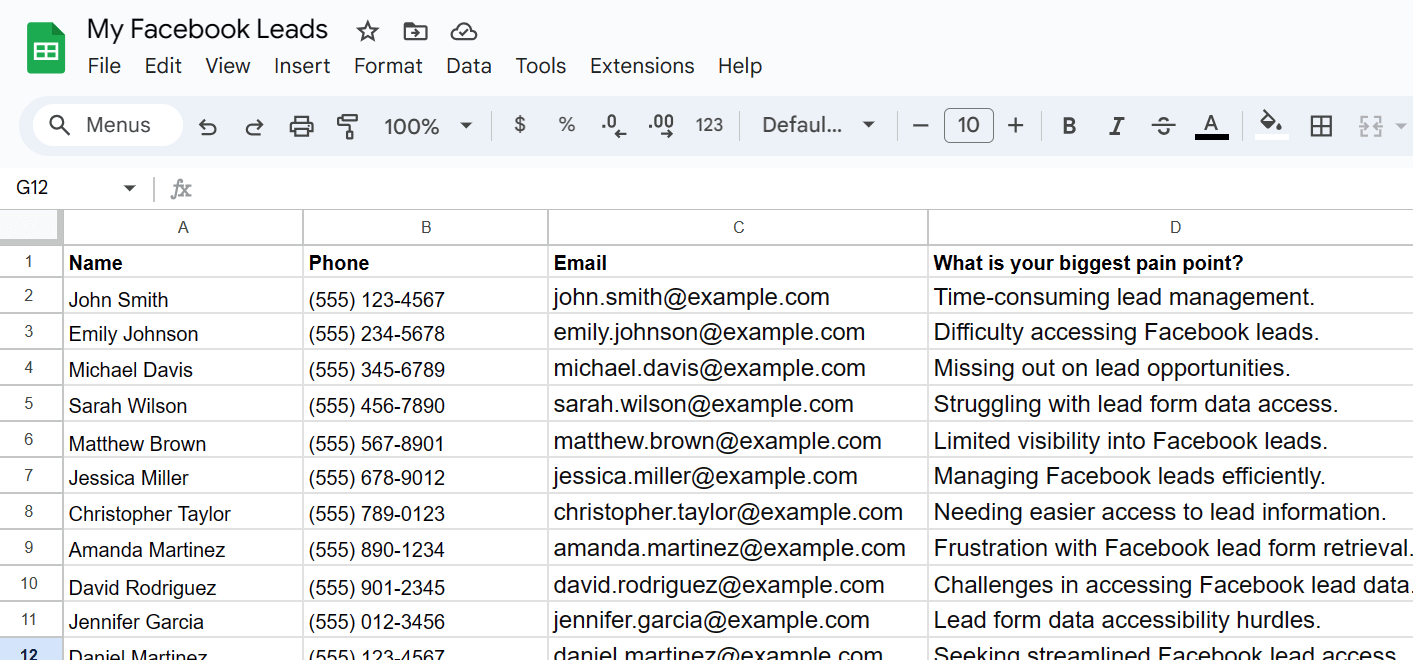
This guide covers the current paths, the fields to check in your export, common permission problems, Meta's 90-day download window, and how LeadSavvy Pro sends new Meta leads to Google Sheets, its built-in CRM, and your phone.
This path is useful when you are already reviewing a specific lead campaign or ad. It may exclude organic form submissions, so use Leads Center when you need the Page-level view.
Open Meta Ads Manager, choose the correct ad account, and open the Ads view for your lead campaign.
Find the result count or download icon for the Instant Form ad. Open it, then choose new leads or a date range when Meta offers those options.
Download the CSV, confirm it belongs to the correct form and date range, and compare its row count with the result shown in Ads Manager.
Wrong business, Page, or ad account: switch to the asset that owns the Instant Form. A similarly named campaign in another account will not contain the same submissions.
Missing lead access: Page access and ad-account access do not always grant the same lead permissions. Ask an administrator to check Page access and any customised Leads Access Manager settings. Meta explains the difference between Facebook access and task access in its Page access guide.
No download action: confirm you are viewing an Instant Form result, try Leads Center instead of the campaign report, and check whether the submission falls outside Meta's download window.
Missing rows or campaign IDs: verify the form and date range. Organic and test submissions can have different attribution fields from paid ad submissions.
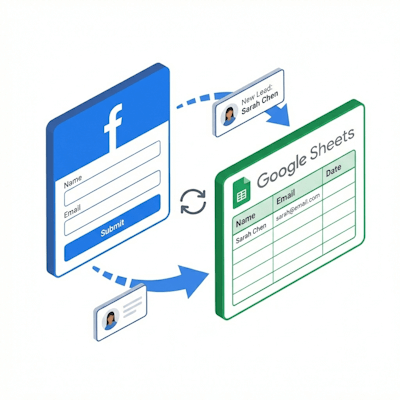
A manual export captures a snapshot. LeadSavvy Pro connects to your Facebook and Instagram Instant Forms and processes new submissions automatically as they arrive.
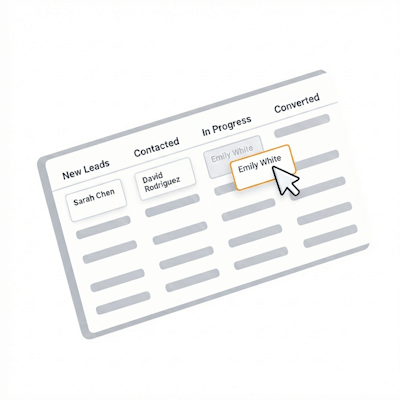
Send each new lead to Google Sheets, manage it in the built-in CRM pipeline, and use the LeadSavvy Pro Phone App to receive new-lead notifications and start following up away from your desk.
Your team keeps an operational copy outside Meta's short download window, avoids repeated exports, and can move from capture to follow-up without importing another spreadsheet.
| Requirement | Manual CSV | LeadSavvy Pro |
|---|---|---|
| Best for | Occasional exports and historical checks | Ongoing campaigns and faster follow-up |
| New lead handling | Someone repeats the export and import | New submissions are captured automatically |
| Destination | CSV, Excel, or a manually imported Sheet | Google Sheets and the built-in CRM |
| Mobile workflow | Reviewing or moving files can be awkward on a phone | Phone App notifications and lead actions |
| Retention protection | Depends on a reliable export schedule | Captures new leads outside Meta as they arrive |
Watch the walkthrough to see the connection process. Meta's screens may have moved since the video was recorded, but the LeadSavvy Pro workflow remains: connect the right account, select the Page and form, choose the destination, and test the result.
Compare plans or start a trial to connect your Meta lead forms with Google Sheets, the LeadSavvy Pro CRM, and the Phone App.