The best CRM for Facebook leads depends on what needs to happen after someone submits an Instant Form. Some teams need a full sales and marketing suite. Others need a fast, reliable way to capture Meta leads, notify a salesperson, organise follow-up, and keep a Google Sheet or pipeline current.
LeadSavvy Pro is our recommended focused option for small businesses and agencies whose priority is Facebook and Instagram lead capture. It connects directly to Meta lead forms, can send lead data to Google Sheets, and includes contact and pipeline tools without requiring a general-purpose automation workflow. HubSpot is a stronger fit for teams that want a broad marketing suite, while Salesforce suits large organisations that need extensive customisation and governance.
The comparison below separates direct Meta lead capture from full CRM breadth, so you can choose for your actual workflow rather than the longest feature list.
Quick recommendations
| Need | Recommended starting point | Reason |
|---|---|---|
| Focused Facebook and Instagram lead capture | LeadSavvy Pro | Direct Meta lead workflow, Google Sheets export, notifications, contacts, and pipelines |
| Broad inbound marketing suite | HubSpot | CRM, marketing, forms, email, and reporting in one ecosystem |
| Complex enterprise sales operations | Salesforce | Deep customisation, routing, reporting, and partner ecosystem |
| Visual sales pipeline | Pipedrive | Sales-focused pipeline and a large integration marketplace |
| Automation across many unrelated apps | HighLevel, Zapier, or Make | Wider multi-channel automation than a focused Meta lead connector |
Comparison checked 24 September 2026 against vendor documentation. “Direct” means the platform documents its own Meta lead-form connection; a marketplace app or automation connector may require a separate account and plan. Pricing and feature availability can change, so confirm the exact plan and run a test lead before committing.
1. LeadSavvy Pro — best focused option for Meta lead capture
LeadSavvy Pro is designed for businesses and agencies that generate leads through Facebook and Instagram Instant Forms. It removes the repeated CSV-download step and brings new submissions into a practical follow-up workflow.
New leads can be sent to Google Sheets and managed through LeadSavvy Pro's contacts and pipeline tools. Email notifications help teams respond quickly, while campaign and form context makes it easier to understand where each enquiry came from. The LeadSavvy Pro iPhone app is available as a seven-day trial on Starter and is included with Grow and Scale.
Starter costs $9 per month after a seven-day trial with no credit card required. It includes Facebook lead sync, Google Sheets export, unlimited contacts and leads, two active lead sources, and a basic pipeline. Grow and Scale add deeper pipeline, recovery, CAPI, mobile-app, and agency capabilities.
Best for: small businesses, advertisers, and agencies that want a focused Meta lead workflow without assembling several products.
Consider another option when: the business needs a general CRM spanning many unrelated acquisition channels, extensive email marketing automation, or enterprise-level custom objects and governance.
How the LeadSavvy Pro workflow works
Suppose a local service business runs two Facebook Instant Forms: one for quotes and one for callbacks. Connect the Meta Page and forms to LeadSavvy Pro, choose the lead sources, and send form submissions to a Google Sheet if the team uses a shared spreadsheet. The same submissions can be managed as contacts in LeadSavvy Pro, so a salesperson does not have to download a CSV or copy details from the Sheet into a second tool.
When a new lead arrives, the team can review its form answers and source, follow up from the contact record, then create and move a deal through the pipeline. An eligible user can also receive an iPhone push notification and call, text, or email from the mobile app. The phone provides a faster handoff when the owner is away from the desk; it does not replace the need to contact the prospect and record the outcome.
Want to review enquiries through a conversation? You can manage your Facebook leads with ChatGPT through LeadSavvy Pro: catch up by voice, identify promising leads and update deal stages. Contact us for early access.
Before launching ads, send a Meta test lead and confirm that the contact, optional Sheet row, notification, and intended pipeline process work. Recheck Page and lead-access permissions if a form is missing or submissions stop arriving. Starter includes two active lead sources and a basic pipeline; Grow adds more sources, fuller pipelines, and ongoing iPhone-app access. Compare the current plan limits against the number of forms and users you actually need.
- Compare LeadSavvy Pro plans.
- Review the Facebook lead sync and management features.
- Explore the LeadSavvy Pro iPhone app.
- Start the seven-day trial.
2. HubSpot CRM
HubSpot offers a broad CRM and marketing suite with a documented Facebook Lead Ads connection on all plans, including Free. After the right Page and lead-access permissions are in place, form submissions can sync into HubSpot without a separate connector. This is useful if the team already manages its wider marketing and sales process there. HubSpot says new leads can take up to two hours to sync, so teams that depend on fast follow-up should test the delay on their own forms.
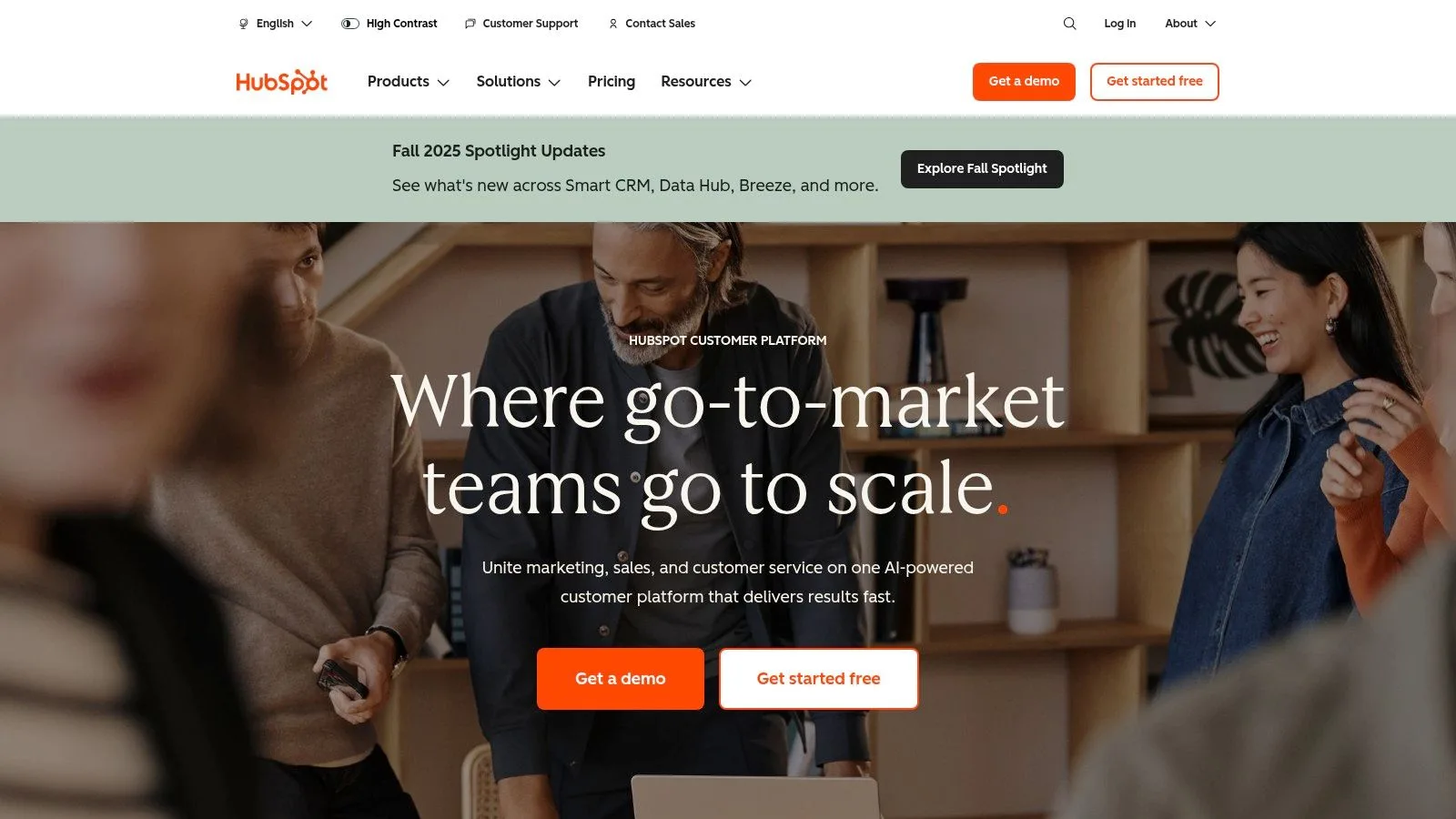
This end-to-end management means you can create, manage, and track Facebook lead generation campaigns from within the HubSpot Ads tool. The platform even pulls up to 90 days of historical data upon connection, providing immediate value. For a deeper look into its capabilities, you can discover more about using HubSpot CRM for digital marketing and optimizing your lead flow.
Implementation and Use Case
Connect the Facebook Ads account, explicitly select the Page for lead syncing, check the required Meta permissions, and map any custom form fields to HubSpot properties. Choose whether to import recent leads or only new ones. Confirm which follow-up automations your HubSpot plan includes and test a submission before relying on it for time-sensitive outreach.
Pros and Cons
- Pros:
- Native Facebook sync on all plans, including the free tier.
- Manage the entire lead flow without needing extra tools.
- Exceptional documentation and a large support community.
- Cons:
- Lead sync isn't always instant; it can take up to two hours.
- Advanced reporting and automation are locked behind paid plans.
Website: https://hubspot.com
3. Salesforce Sales Cloud
Salesforce Sales Cloud is an enterprise-grade CRM renowned for its powerful and highly customizable features. For managing Facebook leads, it offers unmatched scalability, making it the best CRM for Facebook leads for large organizations with complex sales processes. While it doesn't offer native integration, it connects to Facebook Lead Ads through its extensive AppExchange marketplace or third-party tools like Zapier, allowing for sophisticated lead routing and assignment rules.
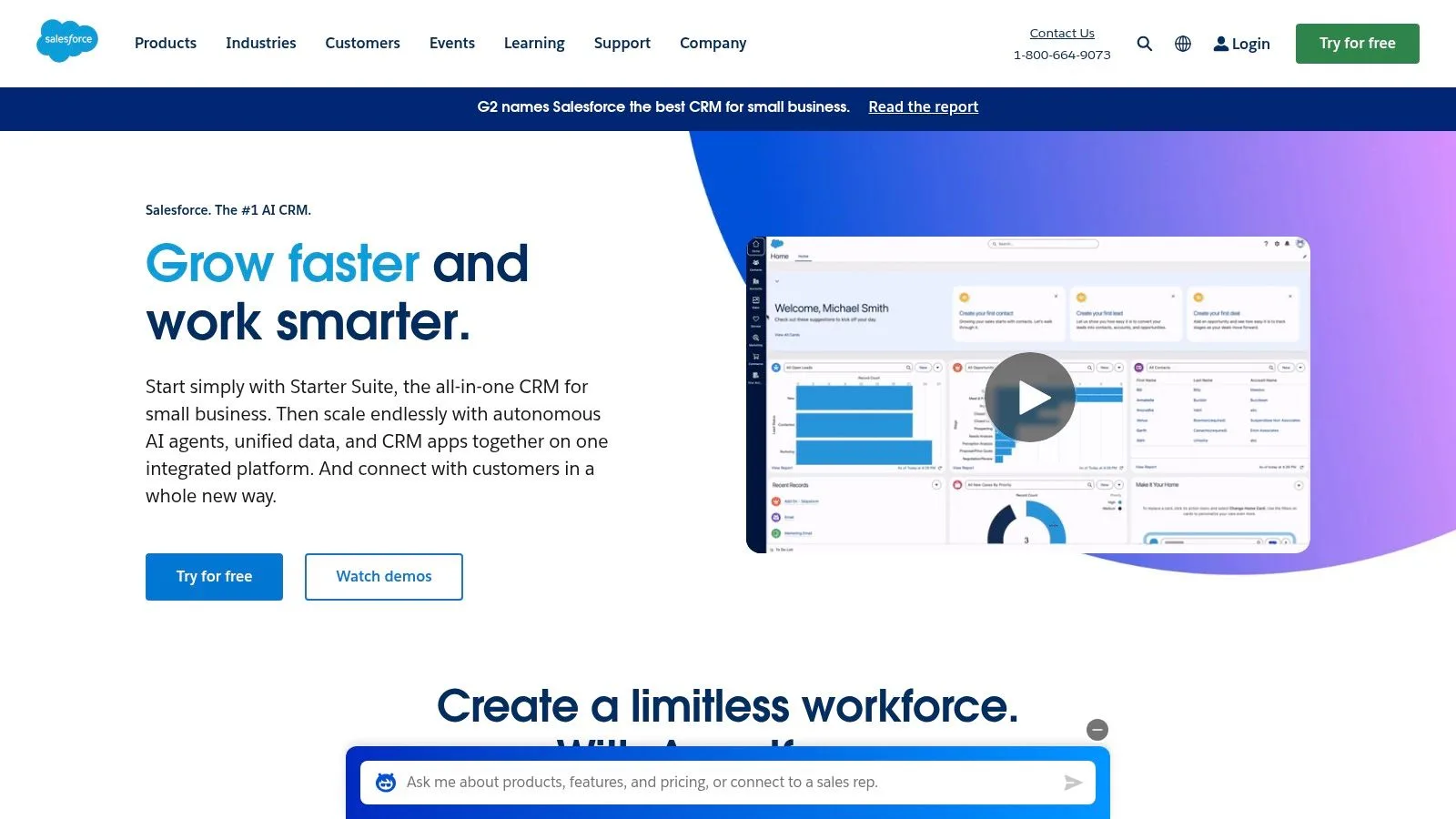
This setup allows businesses to funnel leads into advanced, custom-built workflows. The platform’s strength is in its deep reporting and forecasting capabilities, which give large teams granular insight into their Facebook ad performance and its impact on the sales pipeline. The mobile application also ensures that sales teams can act on new leads from anywhere, at any time.
Implementation and Use Case
Implementation typically involves installing a partner app from the AppExchange or setting up a Zapier connection to map your Facebook form fields to Salesforce lead objects. This process can be more technical than native integrations. Salesforce is ideal for large companies that need to automatically score leads based on their form responses and route them to specific sales teams or regional offices based on predefined rules, ensuring high-value leads are handled immediately.
Pros and Cons
- Pros:
- Highly scalable and customizable to fit complex business needs.
- Powerful automation, lead scoring, and routing capabilities.
- Vast partner ecosystem via AppExchange for extended functionality.
- Cons:
- Requires third-party connectors for Facebook Lead Ads integration.
- Can be costly and complex to implement and maintain.
Website: https://salesforce.com
4. Zoho CRM
Zoho CRM can receive Facebook Lead Ads submissions through Zoho LeadChain. Zoho says the older Zoho Social Lead Forms module was deprecated for new Zoho Social users on 19 April 2024, so new customers should plan around LeadChain rather than the old Zoho Social setup. This can suit a business already using Zoho, but the CRM's free tier alone should not be treated as proof that the Meta connection is free.
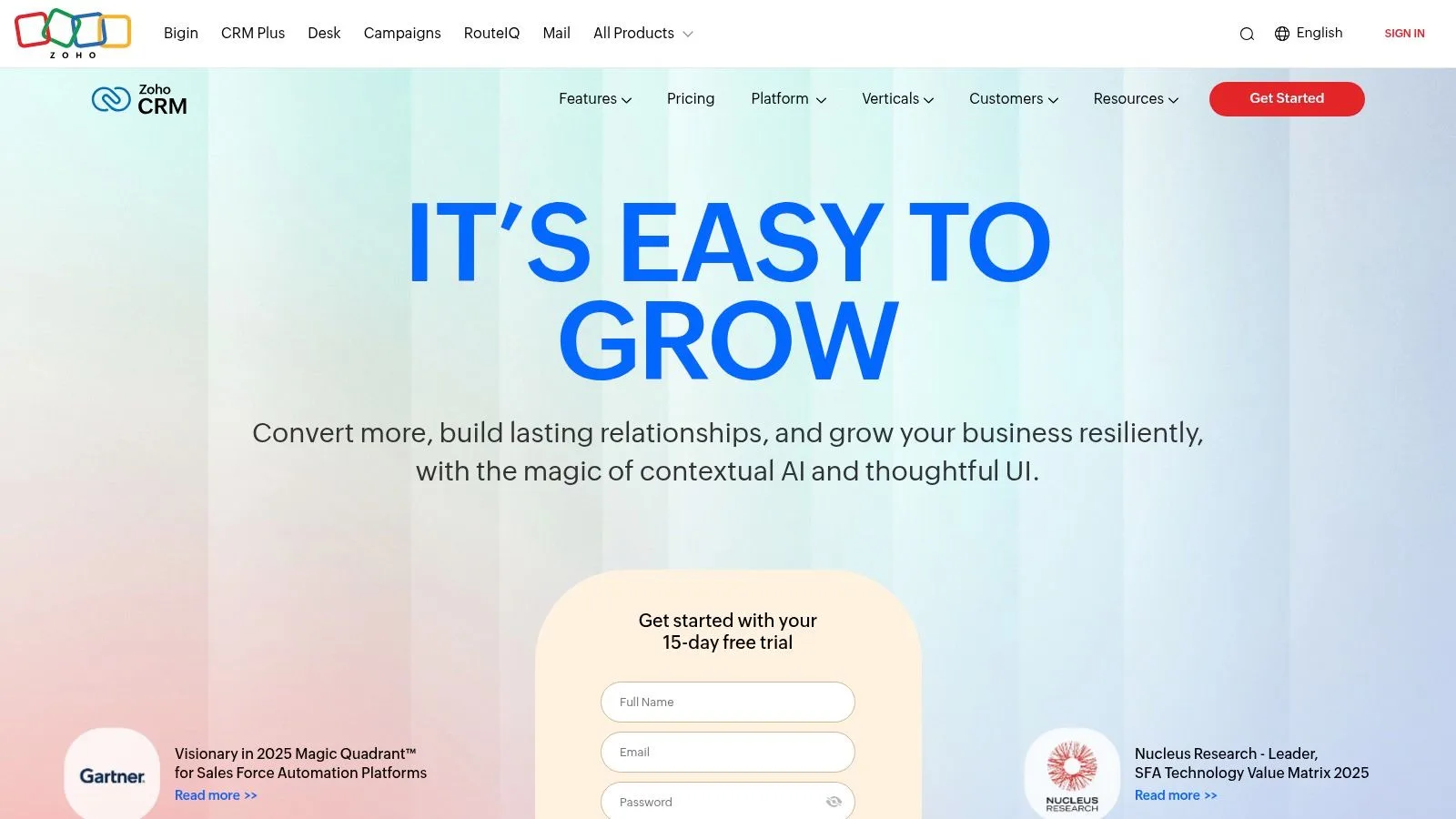
The platform not only captures leads but also enables social media engagement from within the CRM interface. You can set up automations and assignment rules to process leads the moment they arrive, streamlining your follow-up process. Its clear documentation for the Facebook lead setup simplifies what can often be a complex process.
Implementation and Use Case
Install LeadChain from the Zoho CRM marketplace, connect the correct Meta ad account and Page, select each lead form, and map form answers to CRM fields. Check Meta lead-access permissions and submit a test lead. Zoho warns that choosing the wrong assets can let a test lead succeed while paid leads fail, so verify with the actual campaign setup too. Confirm LeadChain eligibility and any workflow or email-plan requirements before budgeting for the full process.
Pros and Cons
- Pros:
- Established CRM features and a free CRM tier for eligible users.
- Documented LeadChain connection for Meta lead forms.
- User-friendly setup and clear instructions for Facebook integration.
- Cons:
- LeadChain and downstream automation may need an eligible paid plan; check current entitlements.
- Advanced AI-powered features are reserved for higher-priced plans.
Website: https://zoho.com/crm
5. Pipedrive
Pipedrive is a sales-focused CRM built around visual pipeline management. Its documented Facebook Lead Ads route uses a marketplace connector such as Zapier, which adds another account, plan, and field-mapping step. It can suit a team that already runs sales in Pipedrive; a business starting mainly with Meta forms should compare the total connector cost and tested delivery time with a direct lead-capture product.
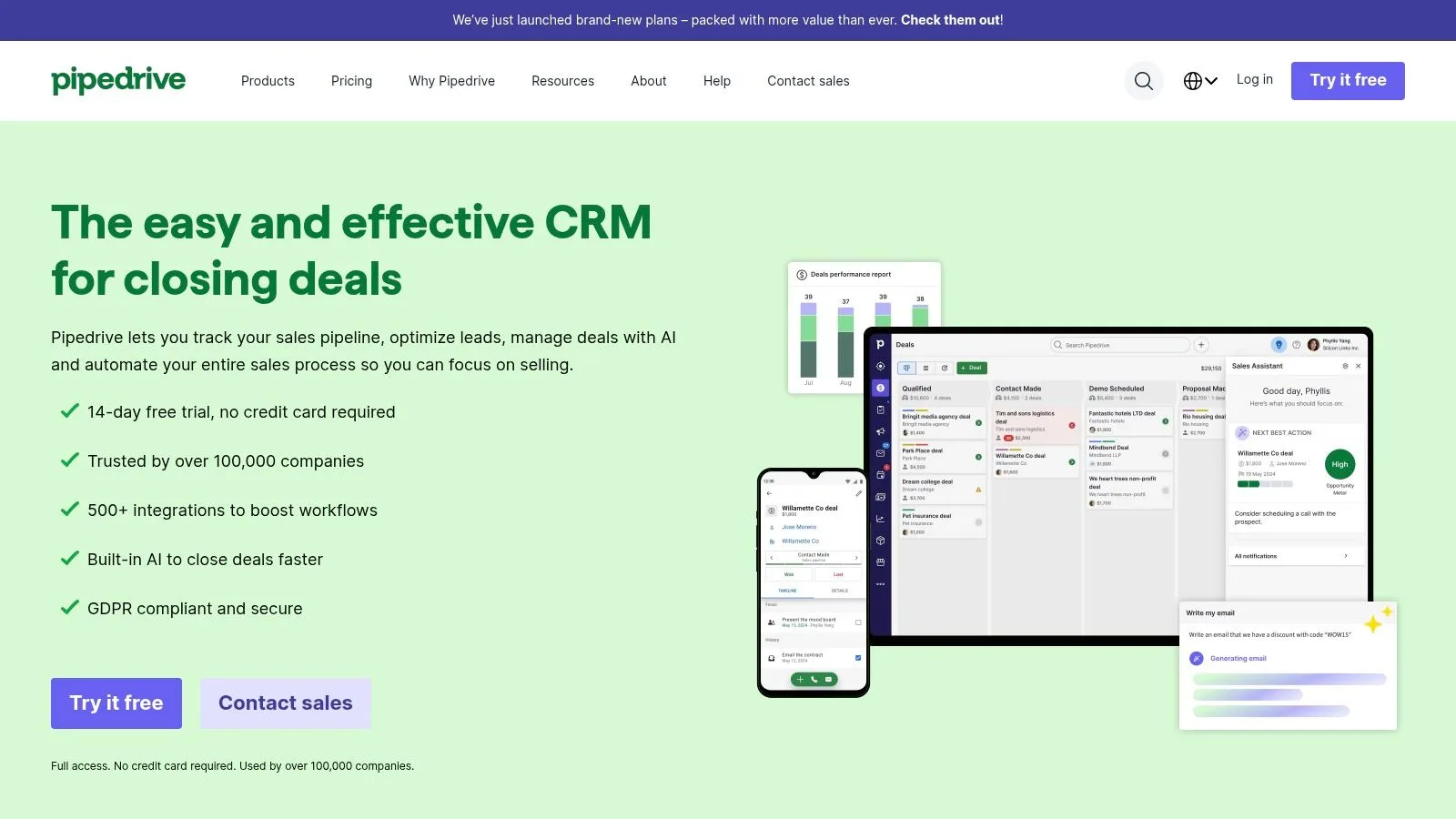
The platform's strength lies in its focused design, helping SMBs visualize their sales process from lead capture to closing a deal. For businesses looking to enhance their lead generation capabilities further, Pipedrive's LeadBooster add-on offers powerful tools like chatbots and web forms, complementing the leads coming in from Facebook campaigns. This makes it a great choice for teams wanting a clear, actionable path for every incoming social media prospect.
Implementation and Use Case
To get started, connect a third-party app from the Pipedrive Marketplace. Pipedrive documents a Zapier setup that maps Facebook form answers into Pipedrive People and can also create leads or deals. Facebook Lead Ads is a Premium Zapier app, so this route needs a paid Zapier plan. Submit a test lead to confirm the field mapping and actual delivery time before relying on it for sales follow-up.
Pros and Cons
- Pros:
- Extremely easy-to-use interface with a visual sales pipeline.
- Quick activation of third-party Facebook sync apps.
- Strong fit for SMB teams focused on sales processes.
- Cons:
- Requires a third-party app for Facebook integration, which may have its own cost.
- LeadBooster is a separate paid add-on.
- No permanent free plan is available.
Website: https://pipedrive.com
6. monday sales CRM
monday sales CRM, built upon the flexible monday.com Work OS, offers a highly visual and customizable approach to managing Facebook leads. Its strength lies in a native integration that captures leads from Meta Ads directly into designated boards. This setup transforms incoming leads into actionable items within a visual pipeline, making it a great option for teams that thrive on collaborative, workflow-oriented environments.
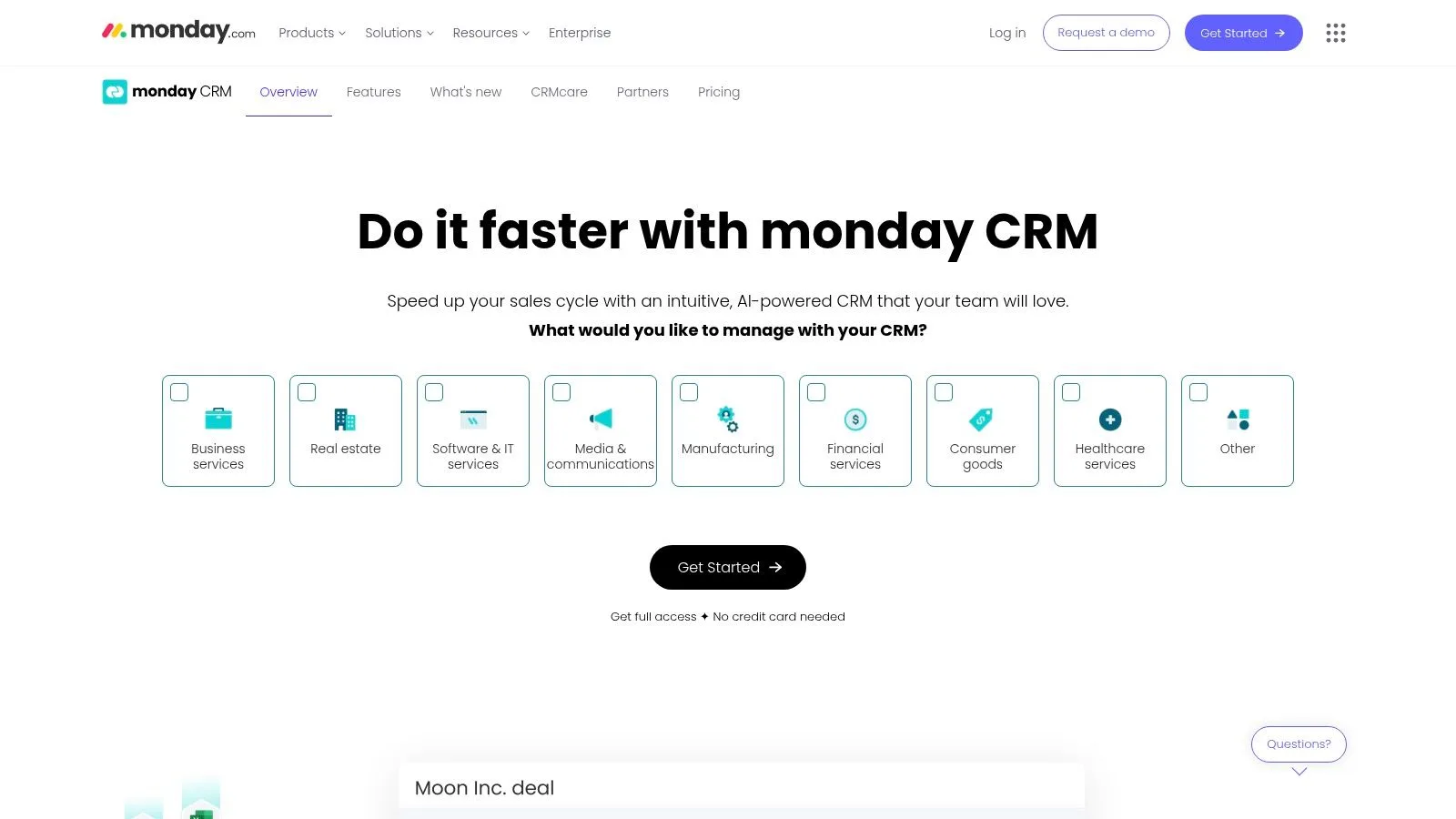
Beyond simple lead capture, the platform supports the Facebook Conversions API (CAPI). This allows you to send conversion data back to Facebook, helping to optimize ad targeting and improve campaign performance over time. This two-way communication makes it a powerful contender for businesses serious about maximizing their return on ad spend, positioning it as one of the best CRM for Facebook leads that require deep integration.
Implementation and Use Case
Setting up the integration involves connecting your Meta Ads account and mapping your Facebook form fields to columns on your monday.com board. Once connected, new leads appear as new items automatically. This is ideal for sales teams who need to quickly assign leads and track their progress through customizable stages like "New," "Contacted," and "Qualified," all within a single, shareable view.
Pros and Cons
- Pros:
- Highly customizable and intuitive visual user interface.
- Native lead capture reduces the need for third-party tools.
- Supports Facebook Conversions API (CAPI) for better ad optimization.
- Cons:
- Paid plans have a three-seat minimum, which can be costly for solo users.
- Some key automation and integration features are gated behind higher-tier plans.
Website: https://monday.com/crm
7. ActiveCampaign
ActiveCampaign is a powerful marketing automation platform that excels at turning Facebook leads into engaged contacts. Its key advantage is the native Facebook Lead Ads integration, which not only imports new leads but can also immediately trigger complex automation sequences. This makes it one of the best CRM for Facebook leads if your primary goal is instant, personalized follow-up.
ActiveCampaign can create or update a contact from a Facebook form submission and trigger an automation. Its integration does not automatically subscribe that contact to an email list: an additional “Subscribes to list” action is required before the relevant email sequence. Form fields map to contact fields, not directly to account or deal fields. Teams seeking only capture, Sheet export, notification, and pipeline follow-up may find LeadSavvy Pro's focused workflow simpler; ActiveCampaign fits teams that need its wider email automation.
Implementation and Use Case
Connecting your Facebook account is straightforward through the "Integrations" section. Once connected, you map your form fields to ActiveCampaign contact fields. The real power is unleashed when you define automation "triggers." For example, a business can set up a trigger so that any lead from a specific "Request a Demo" ad form is immediately sent a welcome email with a scheduling link and a task is assigned to a sales representative.
Pros and Cons
- Pros:
- Deep automation capabilities are triggered directly by Facebook lead form submissions.
- Combines strong email marketing and CRM features in one platform.
- Excellent for creating sophisticated, automated follow-up sequences.
- Cons:
- Field mapping is limited to contact fields, so you cannot directly map data to deal or account fields.
- Can be more complex to set up than simpler CRM options.
Website: https://activecampaign.com
8. Freshsales (Freshworks CRM)
Freshsales, part of the Freshworks CRM suite, offers a solid solution for businesses looking to connect their Facebook Lead Ads campaigns directly into their sales pipeline. Its core advantage lies in its straightforward integration that automatically syncs leads as contacts, making them immediately available for marketing journeys or sales automation. This direct connection helps small teams manage incoming leads efficiently without complex setups.
The platform is designed for ease of use, allowing you to capture leads from multiple Facebook pages and forms. By syncing this data into a unified customer view, Freshsales helps ensure that no lead from your social media efforts falls through the cracks. It provides a good balance of functionality and affordability, making it a strong contender for the best CRM for Facebook leads for growing businesses.
Implementation and Use Case
Setting up the integration involves connecting your Facebook business page and mapping the lead ad form fields to the corresponding contact fields within Freshsales. This process is intuitive and requires no technical expertise. A great use case is for a small business running targeted local ad campaigns. As leads come in, they are instantly created as contacts, which can trigger an automated email sequence to nurture them or assign them to a sales representative for a follow-up call.
Pros and Cons
- Pros:
- Simple and clear Facebook form mapping and sync process.
- Affordable pricing plans suitable for small and medium-sized teams.
- Natively supports automated marketing and sales journeys for new leads.
- Cons:
- Some advanced or non-standard lead integration features may rely on Zapier.
- Reporting capabilities are less robust than some enterprise-level competitors.
Website: https://www.freshworks.com/crm/
9. Bitrix24
Bitrix24 is an all-in-one business platform that combines CRM, communication, and project management tools, making it a powerful option for handling Facebook leads within a broader operational context. Its key advantage is the native integration with Facebook Instant Forms, which automatically creates new lead records in the CRM. This ensures that every lead captured from your ad campaigns is immediately available for your sales or marketing teams to act upon.
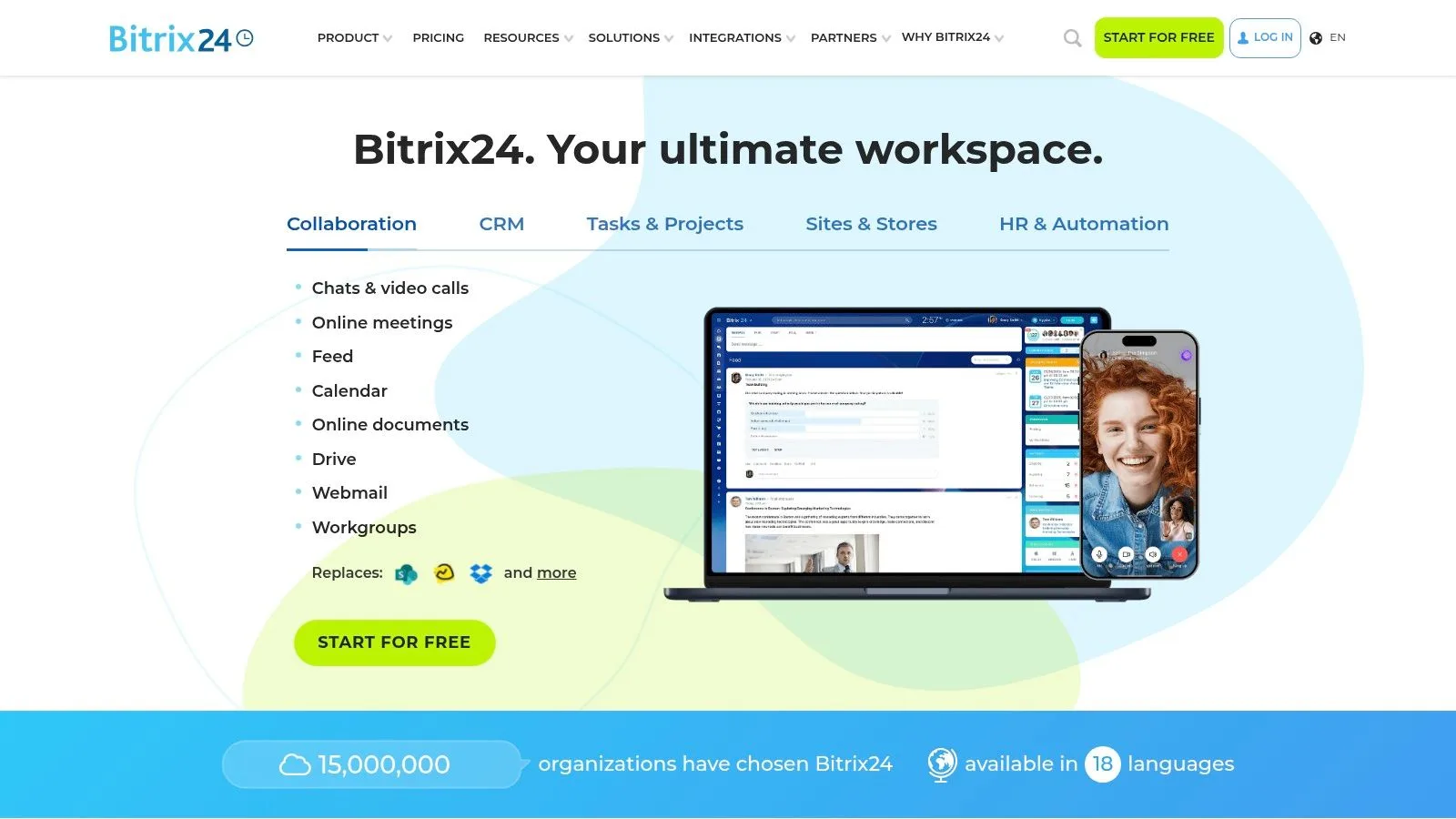
The platform goes beyond simple lead capture by offering an integrated contact center, allowing you to engage with new leads across various channels like phone, email, and social media from a single interface. For more advanced needs, Bitrix24 supports third-party apps like LeadsBridge to enable custom audience synchronization and offline conversion tracking, providing a comprehensive solution for managing your entire Facebook advertising funnel.
Implementation and Use Case
Connecting your Facebook Ads account is straightforward, requiring you to authorize access and map your form fields to the corresponding CRM fields. Once configured, new leads flow directly into the system. This setup is ideal for businesses that need a unified platform to not only capture leads but also manage follow-up communications, assign tasks, and track the entire customer journey without juggling multiple applications.
Pros and Cons
- Pros:
- Free plan available; verify current user and feature limits for your region.
- Organization-level flat pricing makes it cost-effective for larger teams.
- Built-in omnichannel contact center for immediate lead engagement.
- Cons:
- The interface can feel overwhelming due to the vast number of features.
- Documentation notes some limitations with the newer CRM-form connection.
Website: https://bitrix24.com
10. LeadSquared
LeadSquared is a sales execution platform built for high-velocity teams, making it an excellent CRM for Facebook leads that require immediate follow-up. Its core strength is its speed-to-lead automation, ensuring that incoming leads are captured, qualified, and distributed to sales agents in real-time. The platform offers a robust Facebook Lead Ads connector that automates this entire process from the moment a user submits a form.
Beyond simple lead capture, LeadSquared also features a Retargeting connector. This unique tool allows you to sync lead segments from the CRM back to Facebook as Custom Audiences, enabling highly targeted ad campaigns based on user behavior and sales stage. This two-way synchronization creates a powerful loop for both lead generation and nurturing.
Implementation and Use Case
Setting up the integration involves connecting your Facebook account and mapping your lead ad form fields to the corresponding fields within LeadSquared. Its true power is unlocked when you configure automated distribution rules. For example, a business can route leads from a specific campaign to a designated sales team or trigger an auto-dialer for immediate contact, significantly reducing response times. This is ideal for industries like real estate, education, or finance where prompt follow-up is critical.
Pros and Cons
- Pros:
- Engineered for rapid lead response and distribution.
- Unique retargeting connector to sync audiences back to Meta.
- Mobile-first design for sales teams working on the go.
- Cons:
- Pricing can be complex and varies by region; US pricing requires direct inquiry.
- May be overly complex for very small teams with low lead volume.
Website: https://leadsquared.com
11. HighLevel (GoHighLevel)
HighLevel is an all-in-one platform built with marketing agencies in mind, making it one of the best CRM for Facebook leads if you manage multiple clients. Its core strength is the native integration with Facebook and Instagram Lead Ads, allowing you to instantly pipe new leads into automated follow-up campaigns. The system is designed for speed, ensuring no lead goes cold by triggering immediate outreach.
This focus on rapid, multi-channel response sets it apart. The platform centralizes client management, lead nurturing, and even offers an optional in-app Ads Manager to run campaigns without leaving the dashboard. For those managing multiple accounts, the ability to replicate winning workflows across different clients is a significant time-saver. You can learn more about how HighLevel fits into the Facebook Lead Ads CRM ecosystem to streamline agency operations.
Implementation and Use Case
Connecting your Facebook account allows you to map lead form fields directly to triggers within HighLevel's workflow builder. This is perfect for agencies that need to provide instant value to clients. When a Facebook lead comes in, you can automatically send an SMS, place a voice call, and start an email drip sequence simultaneously, dramatically increasing contact rates and closing a common gap in the lead management process.
Pros and Cons
- Pros:
- Purpose-built for rapid lead follow-up via SMS, voice, and email.
- Centralized platform for agencies managing multiple client accounts.
- Native sync for both Facebook and Instagram Lead Ads.
- Cons:
- Occasional issues with Instagram lead sync due to permissions or tokens.
- Can be complex for a single small business user not running an agency.
Website: https://gohighlevel.com
12. Zapier
Zapier is a general automation platform rather than a CRM. It can collect a Facebook Lead Ads submission and send it to a CRM, spreadsheet, email tool, or another supported app. This makes it useful when the Facebook form is only the first step in a broader cross-app workflow.
Facebook Lead Ads is a Premium app on Zapier, so this use case requires an eligible paid plan after any trial period. The workflow also needs a separate destination system if you want a sales pipeline, contact history, or team follow-up tools.
Implementation and use case
Connect the Facebook Page and form, choose the destination app, and map each form answer to the appropriate destination field. Zapier is practical for teams that already use it across many systems.
Pros and cons
- Pros: broad app catalogue, flexible multi-step workflows, and extensive documentation.
- Cons: it is not a CRM, Facebook Lead Ads requires an eligible paid plan, and task usage can grow as workflows become more complex.
Website: https://zapier.com/
Top 12 CRM for Facebook Leads Comparison
Compare the route from a submitted form to someone who can respond. A low CRM subscription price is only part of the cost if you also need a connector, extra seats or a higher plan for follow-up.
| Platform | Facebook lead connection | Best fit | Check before choosing |
|---|---|---|---|
| LeadSavvy Pro | Direct Meta lead capture, optional Google Sheets export, contacts and pipelines. | Small businesses and agencies that want to see new enquiries and respond from web or iPhone. | Starter is $9/month after a seven-day trial. Check form limits and app access: Starter has a seven-day app trial; Grow and Scale include ongoing access. |
| HubSpot CRM | Documented native Facebook lead syncing. | Teams already using a wider inbound marketing and sales suite. | Lead sync can take up to two hours. Confirm which follow-up automations the chosen plan includes. |
| Salesforce Sales Cloud | Partner or marketplace connection into the sales workflow. | Larger organizations with custom routing, reporting and governance needs. | Include connector costs, implementation and administration in the budget. |
| Zoho CRM | Meta lead forms through Zoho LeadChain. | Businesses already working in the Zoho ecosystem. | A free CRM account does not establish that LeadChain or downstream automation is included. |
| Pipedrive | A marketplace connector; Pipedrive documents a Zapier route. | Sales teams that want to keep an existing visual pipeline. | The documented Zapier route needs a paid Zapier plan for Facebook Lead Ads. Test custom fields and delivery time. |
| monday sales CRM | Meta Ads form submissions into boards. | Teams that want a customizable, shared sales workflow. | Check seat minimums and the integration and automation allowances on the actual plan. |
| ActiveCampaign | Facebook form submissions create or update contacts. | Teams that need broader email nurturing and marketing automation. | List subscription requires another automation action; form fields map to contacts, not directly to deals or accounts. |
| Freshsales | Facebook lead-form mapping and contact synchronization. | Teams using the wider Freshworks sales workflow. | Confirm the exact product and plan needed for the connection, sequences and other follow-up features. |
| Bitrix24 | Facebook Instant Forms connection into CRM. | Teams seeking CRM alongside wider communication and work-management tools. | Verify current plan limits and the documented limitations of the connection. |
| LeadSquared | Facebook Lead Ads connector into sales workflows. | Sales operations that need lead distribution and a broader execution platform. | Confirm regional pricing, setup requirements and the features included in the quote. |
| HighLevel | Facebook and Instagram lead-form integration. | Agencies already delivering broader multi-channel marketing services. | Budget for setup and the messaging services used in the workflow; test Page and form permissions. |
| Zapier | Routes a Facebook lead to another supported app. | Businesses connecting several systems in a custom workflow. | It is a connector, not a CRM. Facebook Lead Ads requires an eligible paid plan; include task usage and the destination CRM. |
For the focused route, LeadSavvy Pro keeps Meta lead capture, optional Sheets delivery, notifications and pipeline follow-up together. A team that already depends on a broader CRM should weigh its existing workflow against the work and cost of changing systems.
Continue with the practical setup guides
Once you have a shortlist, review how to connect Facebook Lead Ads to a CRM, automate Facebook lead capture and delivery, and build a repeatable Facebook lead management workflow.
Sources and comparison method
We checked the Meta lead-form connection, setup steps, and plan caveats against vendor documentation on 24 September 2026. Key references include HubSpot lead syncing, Zoho's Lead Forms notice and LeadChain setup, ActiveCampaign's integration limits, Pipedrive's Zapier guide, Freshsales setup, and LeadSavvy Pro pricing. The recommendations weigh how reliably a new form submission reaches a person who can respond, the complete cost of that path, and the amount of CRM breadth the team needs. Features and prices may change after this review date.
LeadSavvy Pro pricing and Pipedrive's documented Zapier requirements were rechecked on 27 October 2026. Use your own form to test delivery and follow-up on the exact plan you intend to buy.
Does a CRM generate leads, or help you manage them?
For Facebook Lead Ads, the ad and Instant Form generate the enquiry. The CRM stores the person's details, keeps their answers with the contact and helps your team follow up. Buying a CRM will not, by itself, bring in more people who want your service.
When choosing a CRM for lead generation, separate two questions: “How will someone find us and enquire?” and “What happens when they do?” This guide focuses on the second. LeadSavvy Pro connects the Meta form to the contact, optional Sheet, notification and next sales action, so a lead does not sit unnoticed while someone waits to download a CSV.
Already have a CRM? Check the gap before replacing it
If your team already uses Keap, Close, Microsoft Dynamics 365, Copper or another CRM, start with the system you have. Check whether your actual plan can receive the form answers, notify the right person and support the next action. An existing process that works is worth keeping; another subscription is not automatically an improvement.
If the problem is that nobody notices Facebook enquiries promptly, test the alert and response path. If people see the lead but do not know who should call, decide who is responsible and record the outcome. If the CRM is too much work for a small team, compare it with LeadSavvy Pro's more focused Meta-to-follow-up workflow, including iPhone alerts and contact actions. Do not assume LeadSavvy Pro connects directly to every CRM named here; verify the destination you need before choosing a setup.
Test the complete Facebook lead workflow before choosing
Use the same enquiry to test the tools on your shortlist. A service business could use a quote request with an answer such as “Three upstairs windows; please call after 4 pm”. Use contact details you control. The useful result is a person who can read that request and act on it, not just a green connection status.
- Submit to the right form. Check the Page, the campaign's actual Instant Form and the access of the person connecting it. An older form with a similar name is an easy mistake.
- Find the complete enquiry. Confirm that the contact has the phone number, form answers and source you need. If a connector maps fields, test your custom questions too. With LeadSavvy Pro's Google Sheets destination, a blank Sheet is a useful starting point and LeadSavvy sets up the columns.
- Check who gets notified. Test the intended inbox and, if needed, the iPhone while it is locked. In LeadSavvy Pro, choose the push recipients, sign in on the phone and allow notifications. The Facebook lead notification setup guide covers the checks when a contact arrives but an alert does not.
- Try the first response. Open the contact, read the request and start a call. For someone working away from a desk, the iPhone flow is simple: receive the notification, open the lead, tap call when free to respond. Afterwards, add a note and update the deal stage so the next person knows what happened.
- Calculate the cost of that working setup. Include connected forms, users, app access, connector subscriptions, task usage and the plan needed for the features you tested. Compare that complete path, rather than a free CRM headline or an entry price that excludes the connection.
If a step fails, identify where: Meta submission, contact delivery, alert or follow-up. Repeat with a fresh test after fixing it. Record the time you observed from submission to contact and notification; do not treat one successful test as a guaranteed delivery time for every lead.
LeadSavvy Pro is a good starting point when your main requirement is to capture Facebook and Instagram form enquiries, see them promptly and keep follow-up organized without assembling a broad automation stack. Compare the current plans or start the seven-day trial, connect one form and test the whole path.