Alternative to Zapier (alternative to zapier): Best Automation Tools for 2026
Zapier pioneered no-code automation, but it's no longer the only or always the best option for every business. As operational needs become more complex, factors like high task costs, limitations on multi-step workflows, or the need for specialized tools often lead teams to search for a powerful alternative to Zapier. This search isn't just about finding a cheaper substitute; it's about finding the right tool that aligns perfectly with your specific goals and technical requirements.
Perhaps you're a marketing agency needing a more robust solution for instant Facebook Lead Ad syncs. Maybe you're a developer who wants an open-source, self-hosted platform for maximum data control. Or, you could be a small business owner looking for a more budget-friendly option to handle a high volume of simple tasks without breaking the bank. Whatever your reason, the automation market is now rich with excellent solutions designed for distinct use cases. Before diving into specific platforms, it's helpful to understand what is business process automation and the core benefits it can bring to any organization.
This guide cuts through the marketing noise to deliver a comprehensive analysis of the 12 best Zapier alternatives available today. We dive deep into each platform, covering:
- Ideal Use Cases: Who is this tool built for?
- Key Strengths & Limitations: An honest look at the pros and cons.
- Pricing Structures: Clear breakdowns to help you budget effectively.
Each review includes screenshots and direct links, equipping you with all the information needed to move beyond simple 'zaps' and build the sophisticated, scalable automations your business deserves.
1. LeadSavvy Pro
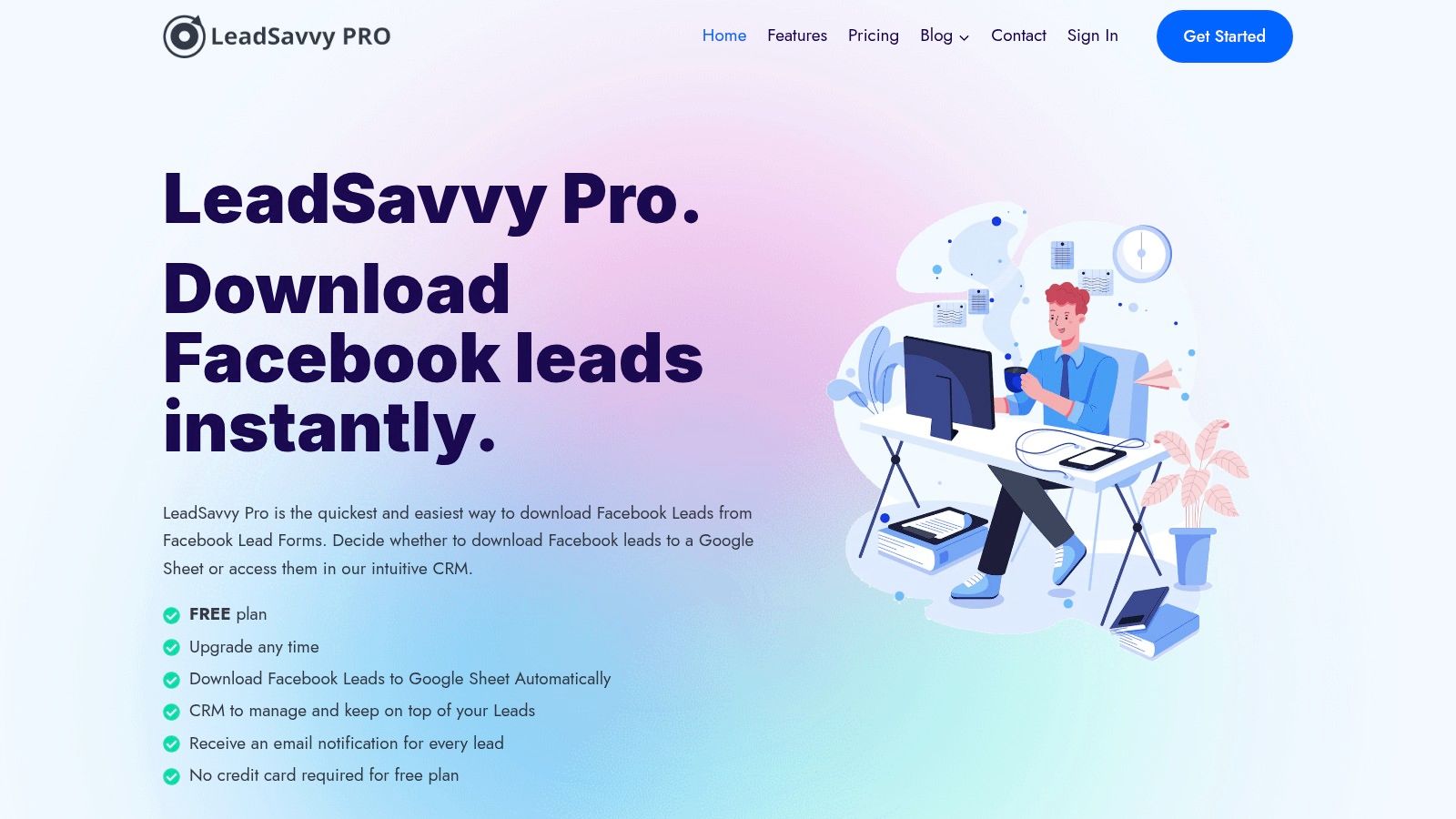
LeadSavvy Pro presents a compelling and highly focused alternative to Zapier for businesses and marketers whose primary goal is to automate Facebook Lead Ad submissions. It carves out its niche by excelling at one crucial task: eliminating the manual, time-consuming process of downloading CSV files from Facebook. Instead, it provides an instant, automated bridge between your lead forms and your immediate workflow, ensuring no lead goes cold.
The platform's core strength lies in its simplicity and speed. Within minutes, you can connect your Facebook Page and configure new leads to sync directly into a Google Sheet or its clean, built-in Lead Viewer CRM. This direct integration is a significant advantage for teams that need to act on leads the moment they arrive.
Key Features & Use Cases
- Instant Lead Sync: The primary value is its ability to automatically push lead data to Google Sheets. This is ideal for agencies managing multiple clients or sales teams that operate from a central spreadsheet.
- Real-Time Email Alerts: Every new lead triggers an email notification, enabling sales teams to achieve rapid response times and dramatically increase contact and conversion rates.
- Integrated Lead Viewer: For those without a dedicated CRM, the built-in viewer offers a centralized place to view, manage, and track leads. Its mobile-friendly design ensures you can manage leads on the go.
- Simplified Onboarding: The user experience is designed for non-technical users, with a step-by-step video tutorial to guide setup. This low-friction approach is perfect for small businesses and solo entrepreneurs.
Pros and Cons
| Strengths | Limitations |
|---|---|
| Effortless Automation: Set it up once and never manually download a Facebook lead CSV again. | Niche Focus: It excels at Facebook Lead Ad automation but lacks the broad, multi-app integration capabilities of a full platform like Zapier. |
| Cost-Effective: Specifically positioned as a more affordable solution for its dedicated function. | Limited Transparency: Detailed pricing tiers, usage limits, and security certifications are not publicly listed on the website. |
| Immediate Lead Access: Real-time sync and notifications provide a critical speed advantage for sales follow-up. | Unknown Integrations: Beyond Google Sheets, its capacity to connect with a wider ecosystem of third-party apps is unclear. |
| User-Friendly: Simple interface and guided setup make it accessible to marketers without a technical background. |
Who Is It Best For?
LeadSavvy Pro is an excellent choice for marketers, agencies, and sales teams that heavily rely on Facebook Lead Ads and need a simple, reliable, and affordable tool to streamline their lead management process. If your main frustration with manual data entry is slowing down your sales cycle, this platform is a purpose-built solution. You can test its core functionality with a free plan that doesn't require a credit card.
Website: https://leadsavvy.pro
2. Make
Make (formerly Integromat) stands out as a powerful visual alternative to Zapier, ideal for users who need to build complex, multi-step automations that go beyond simple linear workflows. Its defining feature is a drag-and-drop, canvas-style builder where you can visually map out intricate processes with multiple branches, routers, and iterators. This visual approach allows for a much deeper understanding and control over how data flows between your applications.
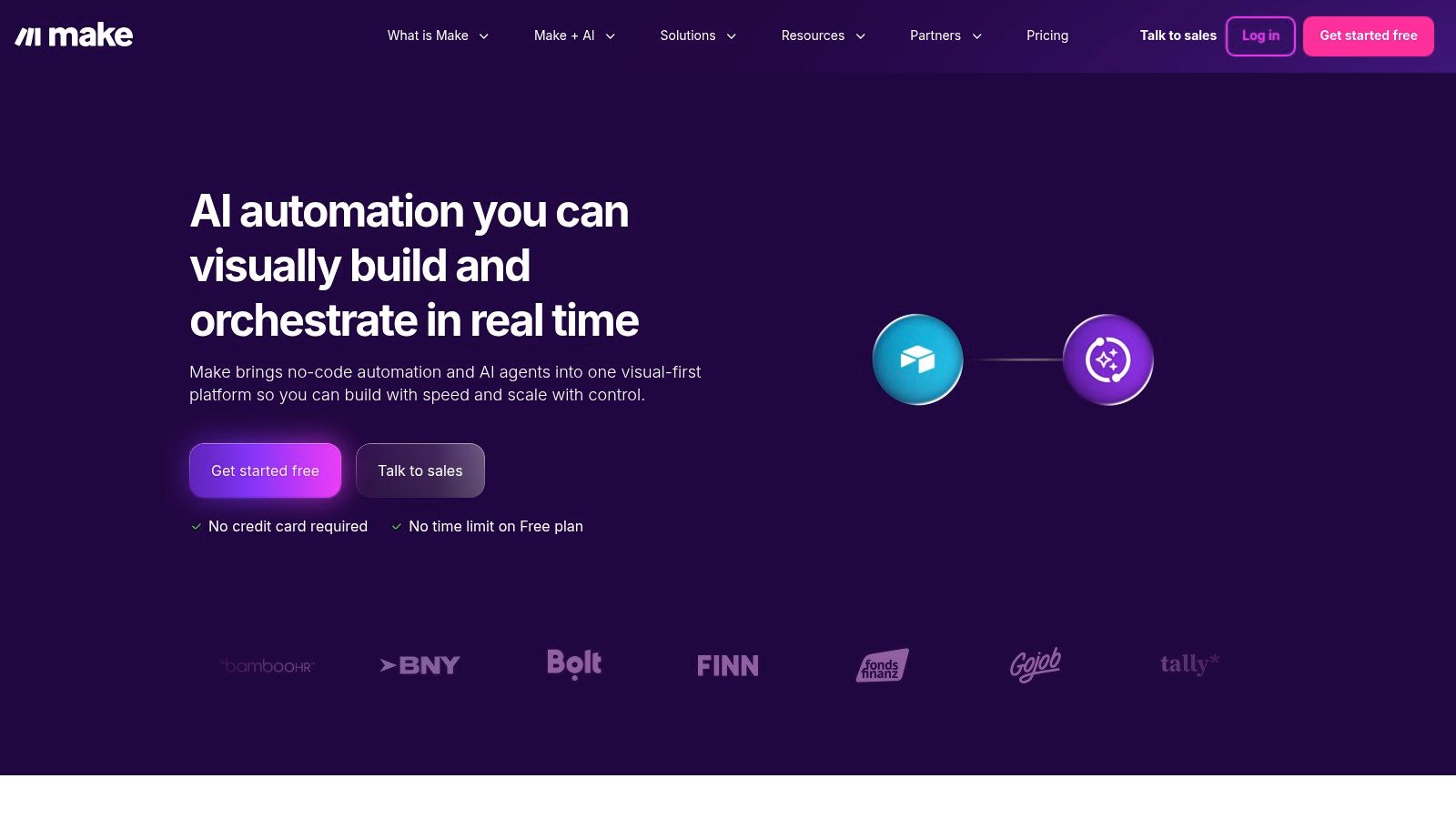
Unlike Zapier's task-based pricing, Make uses a credit-based system where "operations" (individual actions within a scenario) consume credits. While this can be more cost-effective for complex workflows, it presents a steeper learning curve for new users trying to estimate their usage. It’s a fantastic tool for marketers who need to, for example, route new leads from a form to different CRMs based on the lead's location, all within a single, elegant scenario. Gaining a full understanding of what is workflow automation will help you leverage Make’s advanced capabilities to their fullest potential.
Key Features and Considerations
- Visual Workflow Builder: The canvas interface is Make's biggest differentiator, allowing for complex branching logic and error handling paths that are easy to visualize.
- Affordable Entry Point: The free tier is generous, and paid plans are highly competitive, making it accessible for small businesses and startups.
- Advanced Logic: Make excels with its built-in routers, aggregators, and the ability to handle data arrays and JSON structures natively, offering developer-level control without the code.
- Learning Curve: The platform's flexibility and unique operation-based pricing model mean it takes more time to master compared to simpler tools.
Website: https://www.make.com
3. n8n
For technical users, developers, and agencies who prioritize data ownership and customizability, n8n emerges as a powerful open-source alternative to Zapier. It provides the option to self-host the platform on your own infrastructure, giving you complete control over your data and operational costs. Its node-based editor allows for creating sophisticated workflows with unlimited steps, making it ideal for complex, multi-layered processes that other platforms might restrict or make cost-prohibitive.
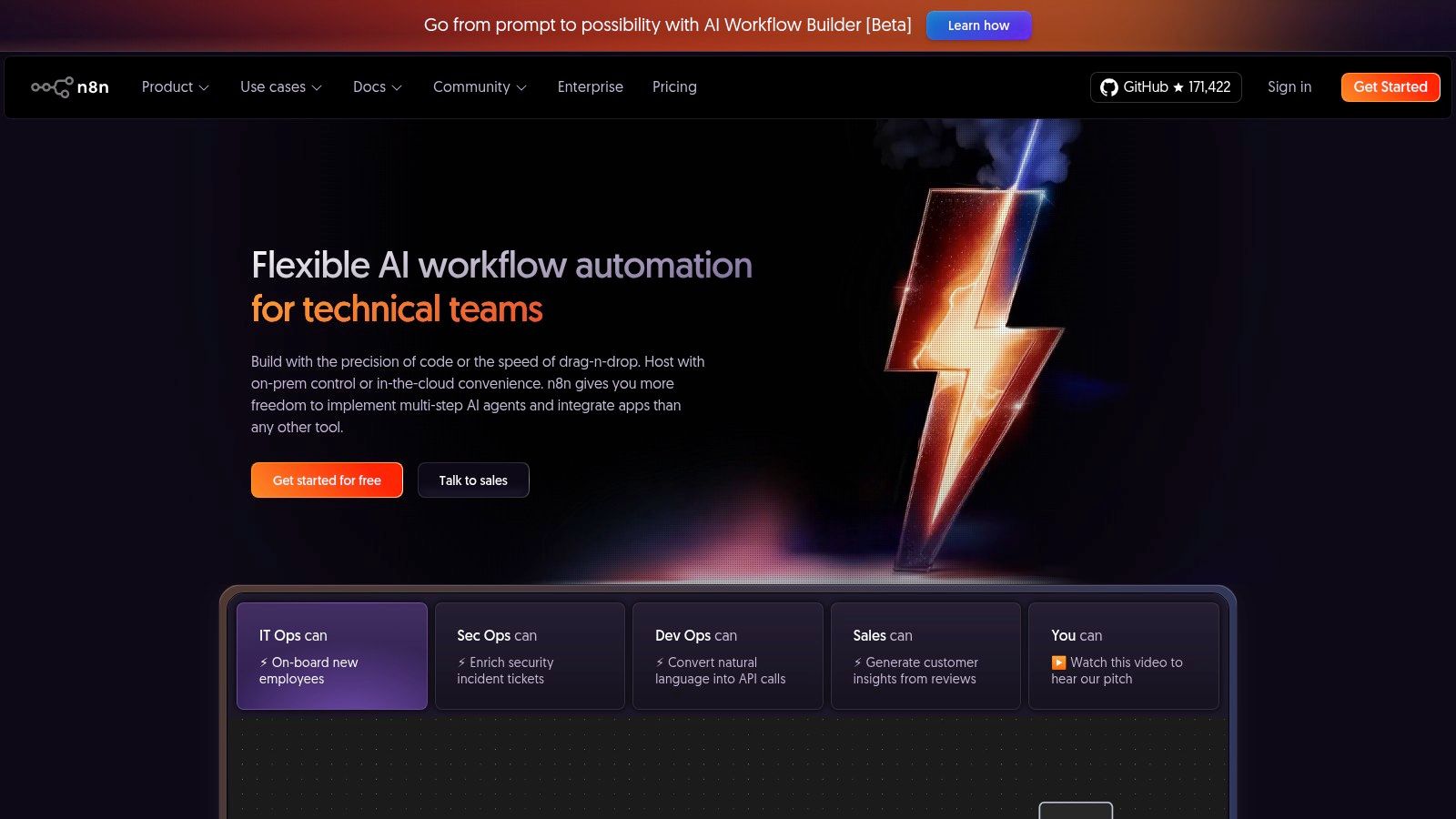
Unlike the simplified, linear approach of some tools, n8n's visual interface is designed for branching logic, merging data streams, and handling complex transformations. While n8n offers a managed cloud version for convenience, its core appeal lies in the self-hosted model, which eliminates variable, task-based pricing in favor of predictable server costs. This makes it an exceptional choice for power users who need to build custom solutions, for example, creating an internal tool that pulls data from multiple APIs, transforms it with custom JavaScript, and then pushes it to a proprietary database.
Key Features and Considerations
- Self-Hosting Option: The ability to host n8n yourself is its primary advantage, offering unparalleled data privacy, security, and predictable costs.
- Node-Based Visual Editor: The editor supports complex, non-linear workflows with unlimited steps, perfect for intricate automation logic.
- Extensible and Developer-Friendly: With over 350 native integrations (nodes) and the ability to write custom JavaScript code within any workflow, the possibilities are nearly endless.
- Technical Barrier to Entry: The self-hosting option and the overall interface require more technical expertise than fully managed, no-code platforms, posing a steeper learning curve.
Website: https://n8n.io
4. Microsoft Power Automate
For businesses deeply embedded in the Microsoft ecosystem, Microsoft Power Automate emerges as a compelling native alternative to Zapier. It excels at creating sophisticated automations that connect Microsoft 365 apps like Outlook, SharePoint, and Teams with hundreds of other services. Its dual capability, offering both cloud-based flows (similar to Zaps) and desktop-based Robotic Process Automation (RPA), allows it to automate tasks across legacy systems and modern APIs, a significant advantage for enterprises with diverse IT environments.
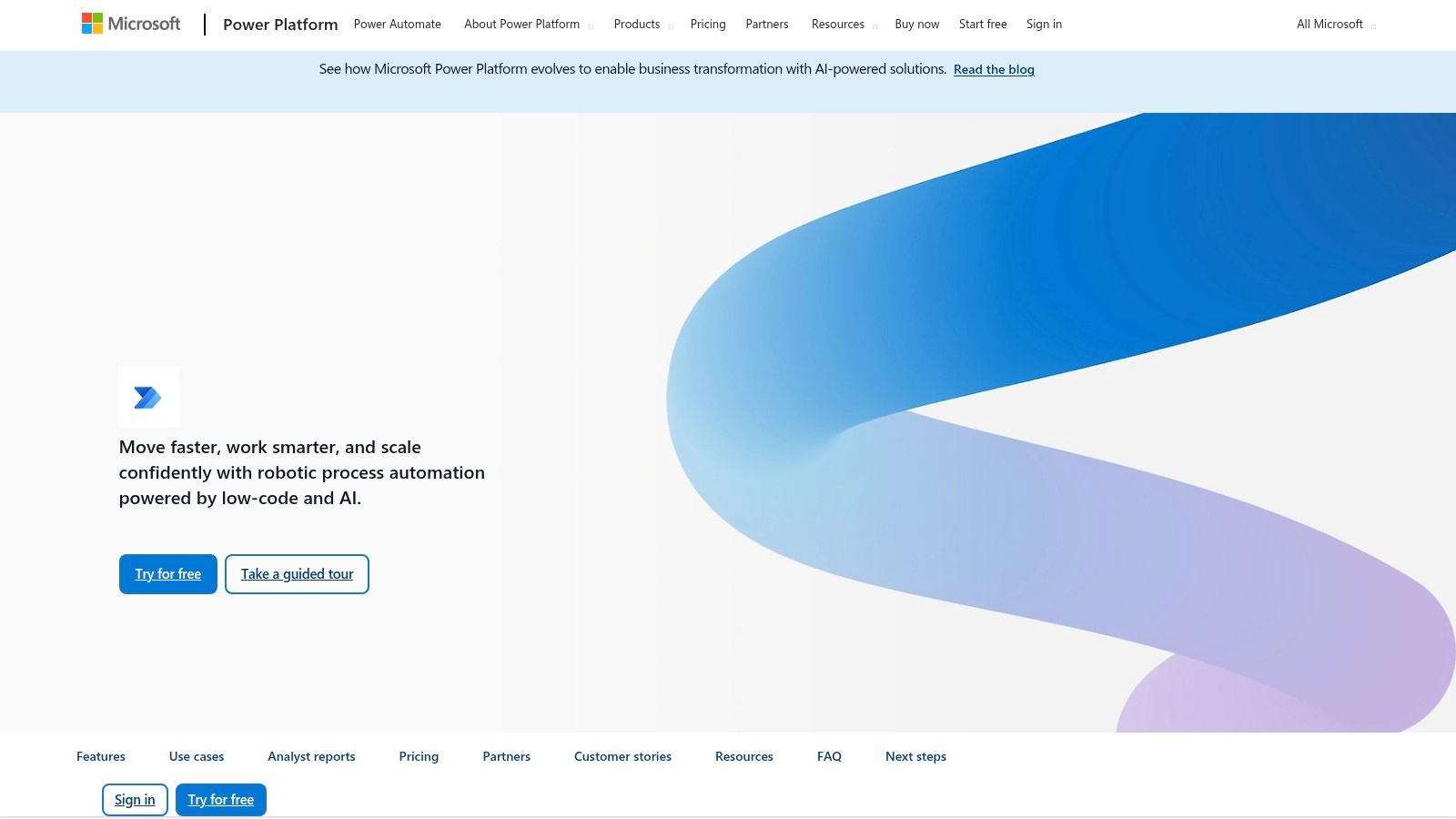
Power Automate is built for the enterprise user, offering robust governance, security, and compliance features that are often essential for larger organizations. For instance, a finance team could build a flow that automatically saves email attachments from Outlook to a specific SharePoint folder, extracts data using AI Builder, and then enters that data into Dynamics 365, all while adhering to strict company policies. While its pricing and licensing can be complex, especially when premium connectors are needed, its seamless integration with existing Microsoft subscriptions often makes it a cost-effective choice for those already invested.
Key Features and Considerations
- Deep Microsoft 365 Integration: Unmatched connectivity with apps like Teams, SharePoint, Dynamics 365, and the broader Power Platform (Power BI, Power Apps).
- Robotic Process Automation (RPA): Includes capabilities to automate tasks on your desktop, bridging the gap between cloud services and legacy desktop applications.
- Enterprise Governance: Provides advanced admin controls, data loss prevention policies, and detailed analytics for managing automation at scale.
- Complex Licensing: The pricing structure, which includes per-user and per-flow plans along with various add-ons, can be difficult to navigate compared to more straightforward models.
Website: https://powerautomate.microsoft.com
5. Pipedream
Pipedream positions itself as a developer-centric alternative to Zapier, expertly blending no-code components with the power of custom code. It’s built for users who are comfortable with APIs and basic scripting, offering an environment where you can connect thousands of apps with pre-built actions or write custom JavaScript, Python, or Go steps to handle unique logic. This hybrid approach makes it exceptionally powerful for API-heavy workflows and modern SaaS automations that require more than standard integrations can offer.
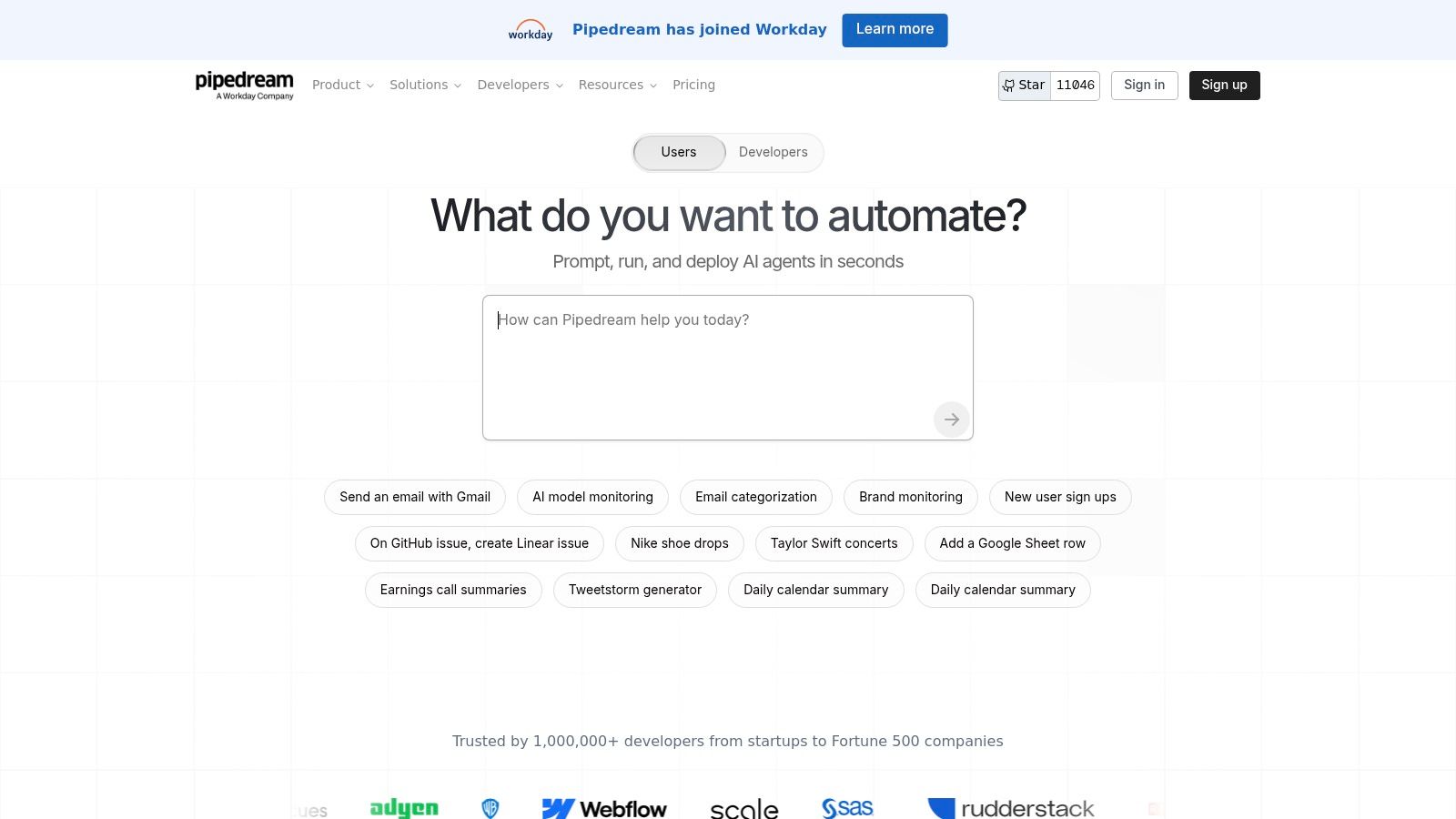
The platform is particularly known for its robust webhook and API capabilities, allowing you to trigger workflows from any HTTP request and process complex data payloads with ease. Pipedream’s pricing model is based on credits, which are consumed by compute time, and it offers a very generous free tier that is perfect for developers and small-scale projects. For a technical user needing to, for instance, process a webhook from a custom application, transform the data with a Node.js script, and then push it to multiple APIs, Pipedream is an unparalleled tool.
Key Features and Considerations
- Code-Level Control: Integrate custom JavaScript, Python, or Go steps directly into your workflows for ultimate flexibility and custom logic.
- Developer-Friendly Features: Includes first-class support for webhooks, GitHub sync for version control, and an open-source model for many of its components.
- Generous Free Tier: The free plan offers a substantial number of credits and connected accounts, making it highly accessible for testing and personal projects.
- Best for Technical Users: The interface and feature set are optimized for those with some coding knowledge; non-technical users may find it more complex than other visual builders.
Website: https://pipedream.com
6. Integrately
Integrately positions itself as a remarkably user-friendly alternative to Zapier, focusing on simplicity and speed with its "1-click automation" setup. It is specifically designed for users who want to connect their apps quickly without a steep learning curve or complex configurations. The platform is particularly strong for marketers and sales teams, offering a vast library of ready-to-use workflows for popular tools like CRMs and social media platforms, including robust support for Facebook Lead Ads.
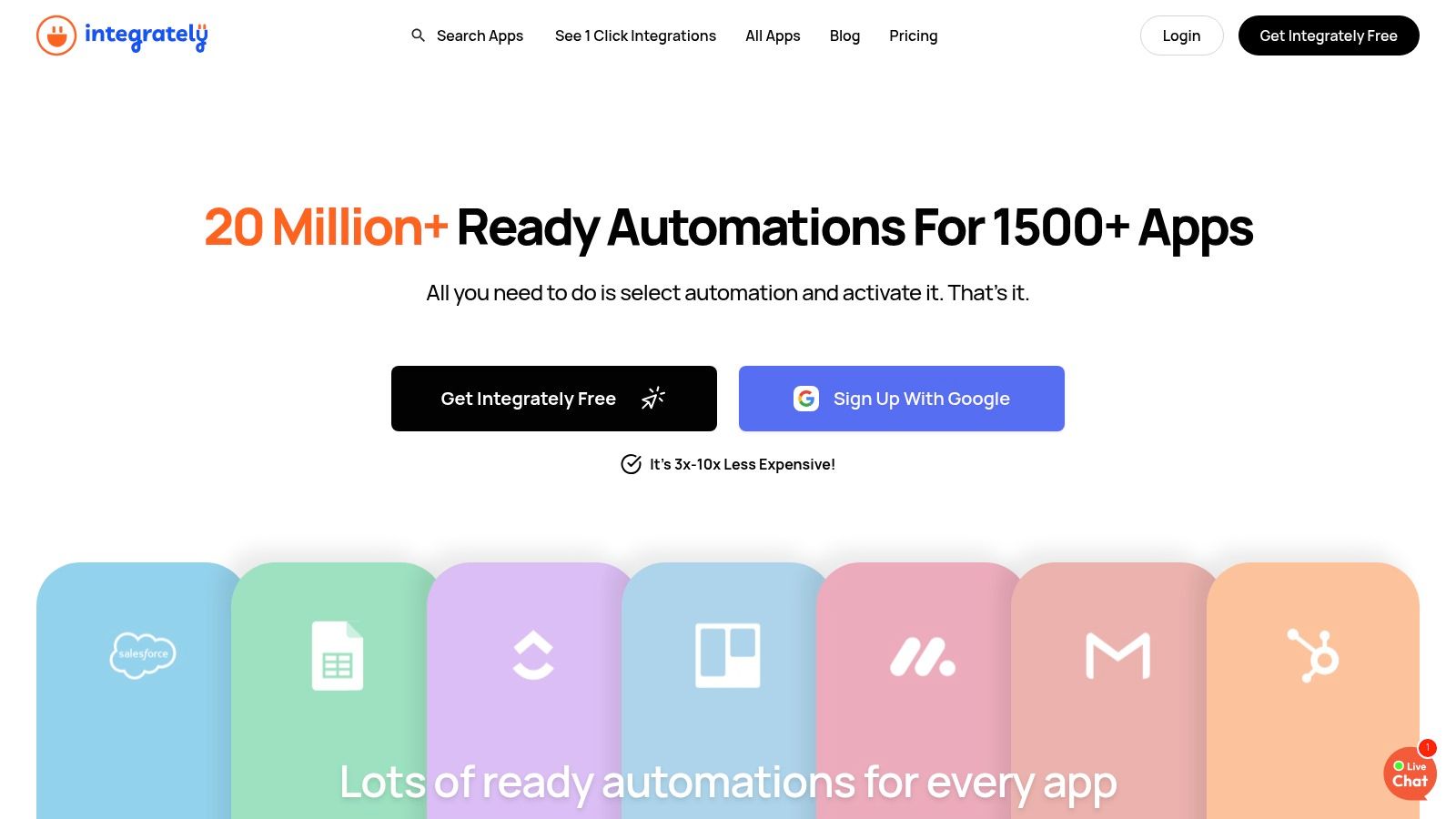
The platform’s pricing is based on the number of tasks, which is similar to Zapier but often more generous, making it an attractive option for businesses with high-volume, straightforward automation needs. Instead of building from scratch, users can browse and activate pre-built "recipes," which greatly accelerates the setup process. This focus on ease of use is a core part of its appeal, and exploring a practical marketing automation example can help you see how quickly you can get value from a tool like this. Its live chat support is also a notable benefit for users who need quick assistance.
Key Features and Considerations
- 1-Click Automations: Its SmartConnect feature allows users to set up common integrations with minimal effort, often just by authenticating their apps.
- Generous Task-Based Pricing: The plans offer a competitive number of tasks per month, providing excellent value for money, especially for high-frequency automations.
- User-Friendly Interface: The platform is designed for beginners and non-technical users, prioritizing a clean UI and guided setup over complex visual builders.
- Limited Advanced Logic: While it supports filters and multi-step workflows, more complex branching and conditional logic are restricted to higher-tier plans, and it lacks the advanced visual workflow capabilities of Make.
Website: https://integrately.com
7. Pabbly Connect
Pabbly Connect carves out its niche as an alternative to Zapier by focusing on high-volume automation at an aggressive price point. It’s particularly attractive for businesses that run a large number of simple tasks, as its most popular plans offer unlimited workflows and tasks, a stark contrast to Zapier’s task-based billing. The platform is designed to be accessible for non-technical users, with a straightforward builder and a vast library of tutorials.
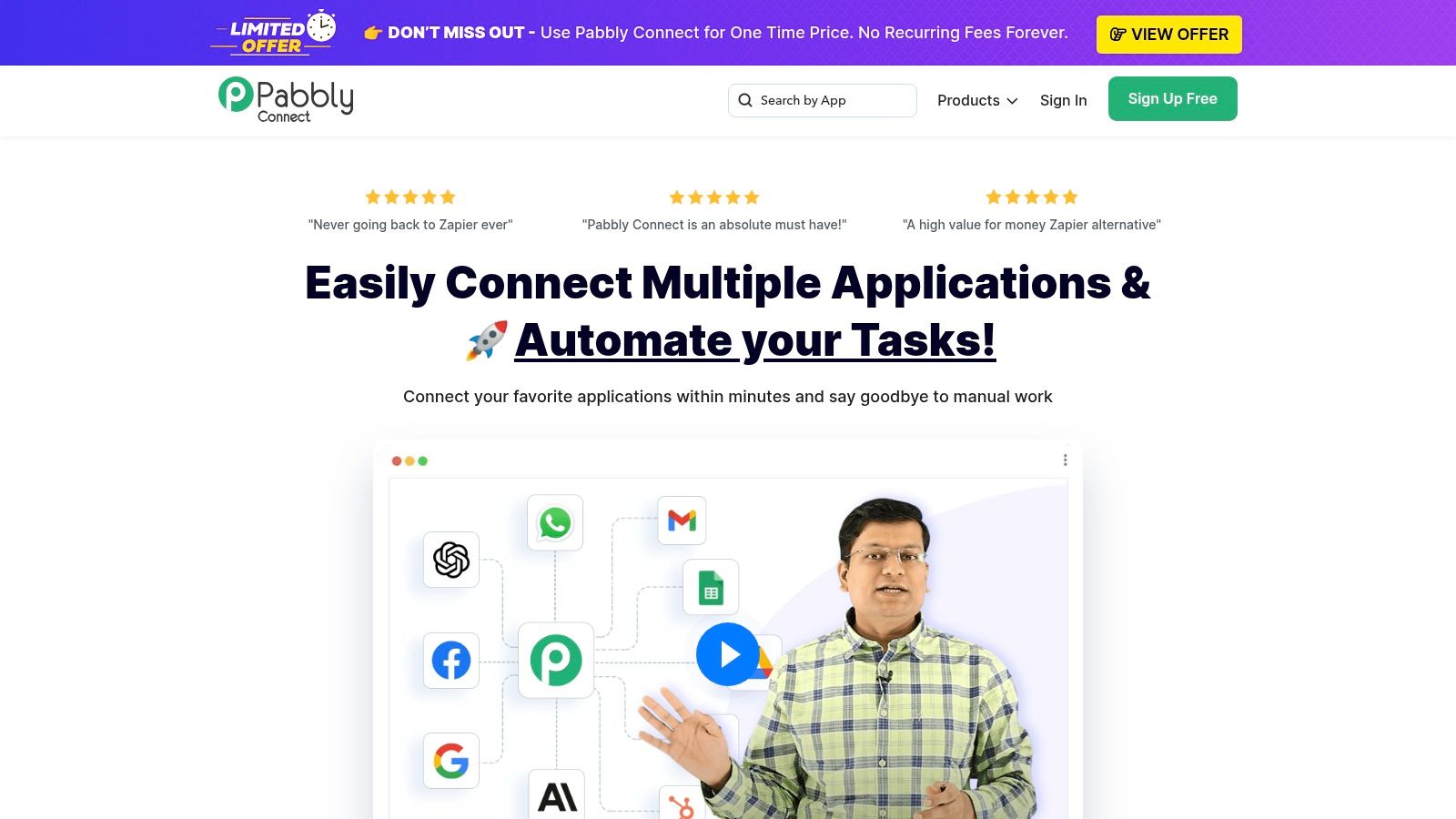
With over 2,000 integrations, Pabbly Connect heavily emphasizes marketing and sales tools, including native connectors for Facebook Lead Ads. This makes it a strong contender for marketers looking to automate their lead flow without worrying about hitting task limits. A key advantage is that internal steps like routers and filters often don't count towards your task usage, allowing for more complex logic without added cost. Fully understanding the role of your CRM in lead generation will help you build more effective workflows on the platform.
Key Features and Considerations
- Generous "Unlimited" Plans: Its pricing model is a major draw, offering unlimited workflows and tasks on certain tiers, which is ideal for high-frequency operations.
- User-Friendly for Beginners: The interface is simple to navigate, and the extensive library of video tutorials helps new users get started quickly.
- Cost-Effective Internal Steps: Features like routers, iterators, and filters are often not billed as tasks, providing more value for building multi-step flows.
- Less Polished UI: Compared to top-tier enterprise tools, the user interface and documentation can feel less refined, and its compliance options are not as robust as platforms like Workato.
Website: https://www.pabbly.com/connect
8. Zoho Flow
For businesses deeply embedded in the Zoho ecosystem, Zoho Flow presents a seamless and cost-effective alternative to Zapier. It is designed to tightly integrate with the entire suite of Zoho applications, such as Zoho CRM, Zoho Books, and Zoho Campaigns, while also connecting to hundreds of other popular third-party services. Its intuitive interface allows users to build workflows, called "Flows," that automate tasks between these applications without needing to write any code.
Zoho Flow is particularly powerful for companies that already rely on Zoho's software. For instance, a user could automatically create a new deal in Zoho CRM and add the contact to a specific mailing list in Zoho Campaigns whenever a new row is added to a Google Sheet. This native integration reduces friction and simplifies complex processes, making it an excellent choice for teams looking to centralize their automation efforts within a familiar environment.
Key Features and Considerations
- Deep Zoho Integration: Its primary strength is its flawless connectivity with the Zoho suite, making it the default choice for existing Zoho customers.
- Logical Functions: Users can build more sophisticated workflows using logic elements like branching (if/then), variables, and custom functions for data manipulation.
- Competitive Pricing: The platform offers a free plan and its paid tiers are affordably priced, providing significant value, especially compared to other tools with similar capabilities.
- Smaller App Library: While it covers many essential apps, its catalog of integrations is smaller than competitors like Zapier or Make, which could be a limitation if you rely on niche tools.
Website: https://www.zoho.com/flow
9. Albato
Albato emerges as a strong alternative to Zapier, particularly for marketing teams and SMBs who prioritize transparent pricing and simplicity. It positions itself as an approachable yet capable platform, excelling at common marketing automations like routing Facebook Lead Ads to a CRM or sending notifications to a messaging app. Its standout feature is the transaction-based pricing model, which removes the complexity of estimating task or operation usage, making it predictable and easy to manage budgets.
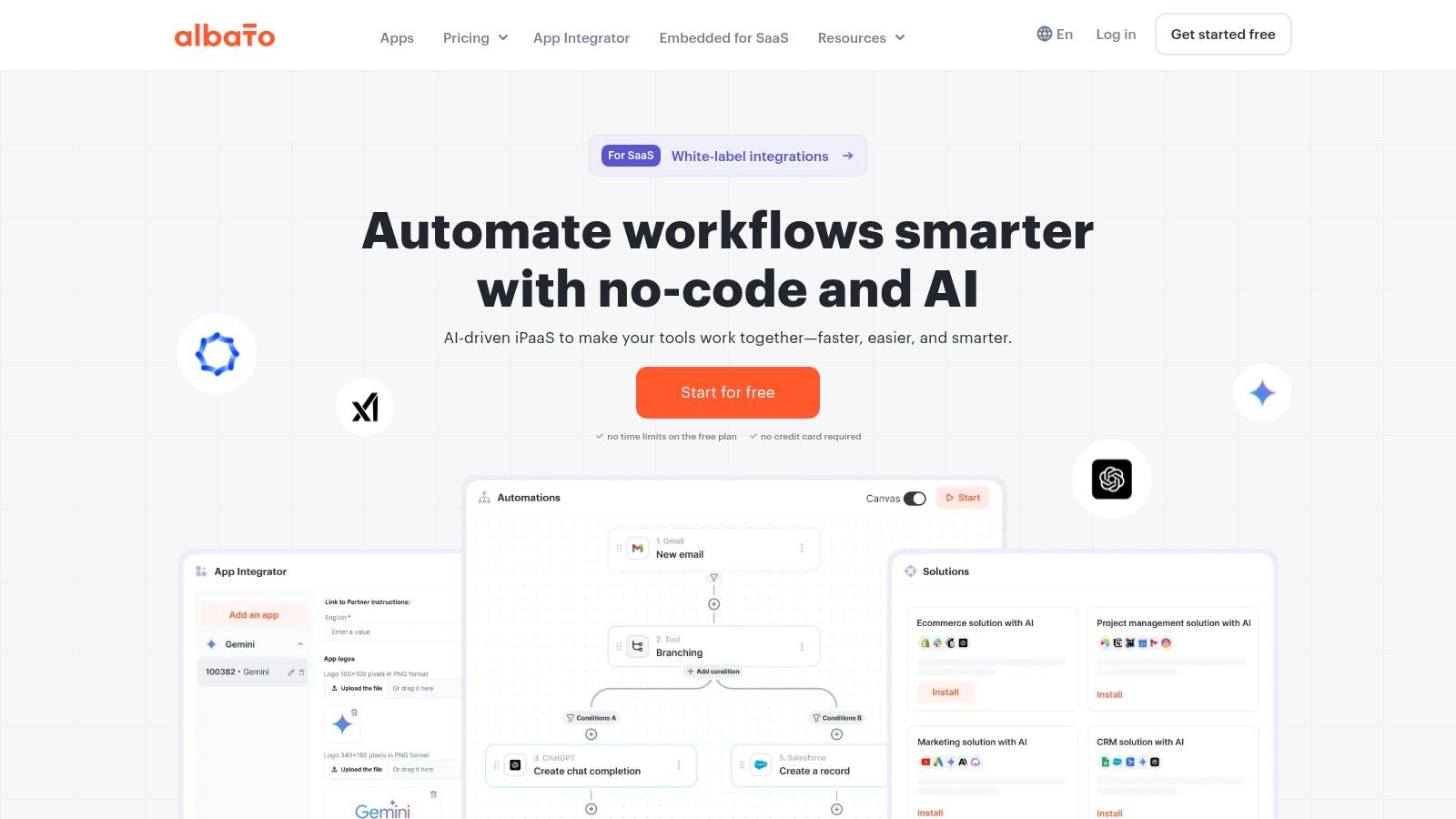
Another key differentiator for Albato is its embedded, white-label iPaaS solution. This allows SaaS companies to build native integrations directly into their own products, offering a seamless experience to their customers without sending them to a third-party platform. For a marketing agency, this means you can build powerful, reliable automations for clients, such as a Facebook Lead Ads to Google Sheets workflow, with a cost structure that is straightforward and highly scalable.
Key Features and Considerations
- Transparent Pricing: Its transaction-based model is simple to understand and predict, with affordable entry points and the ability to purchase overages at a clear per-transaction rate.
- Embedded iPaaS Solution: The white-label offering is a powerful feature for SaaS vendors looking to expand their native integration capabilities without extensive development.
- Marketing-Focused: Albato is well-suited for common marketing use cases, especially for connecting ad platforms like Facebook with CRMs and notification tools.
- Smaller App Ecosystem: While growing, its library of integrations is not as vast as giants like Zapier or Make, and it may lack some of the advanced enterprise-level controls.
Website: https://albato.com
10. Workato
Workato positions itself as an enterprise-grade Integration Platform as a Service (iPaaS), making it a powerful alternative to Zapier for larger organizations with complex, mission-critical automation needs. It goes beyond simple point-to-point connections, offering a comprehensive platform built for robust governance, security, and scalability. The platform is designed to handle intricate, multi-departmental workflows that require advanced logic, version control, and collaboration features.
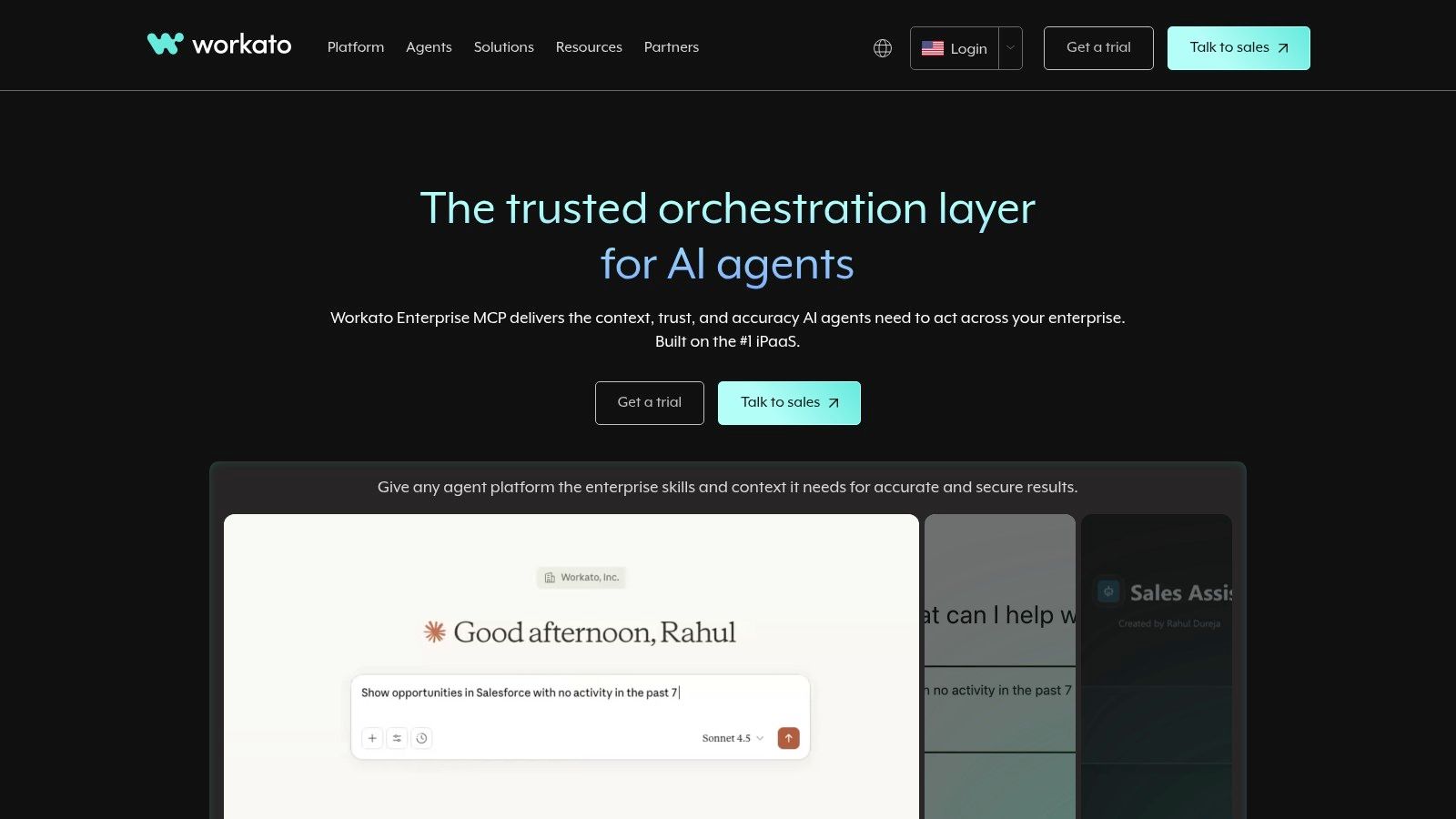
Unlike the straightforward per-task pricing of many competitors, Workato uses a custom, usage-based model that combines a platform subscription with metered usage of "recipes" (its term for automations). This structure, while flexible for enterprise scale, is typically more expensive and complex than what a small business would need for simple lead syncing. Workato shines in scenarios like synchronizing data between an on-premise ERP system and a cloud-based CRM, a task that requires its advanced connectors and high-level security posture. It's truly built for when automation becomes a core, governed part of IT infrastructure.
Key Features and Considerations
- Enterprise-Grade Governance: Workato offers features like collaboration, versioning, and environment management (dev/test/prod) that are essential for large teams.
- Advanced Connectivity: It provides robust connectors and on-premises agents, allowing it to integrate with legacy systems and custom applications that other tools cannot reach.
- High Security and Compliance: The platform is built with a mature security and compliance framework (SOC 2, HIPAA, GDPR) to meet stringent enterprise requirements.
- Complex Pricing: Pricing is entirely custom and quote-based, making it inaccessible for smaller teams and overkill for basic workflows like sending form entries to a spreadsheet.
Website: https://www.workato.com
11. Tray.io
Tray.io positions itself as a modern, enterprise-grade iPaaS (Integration Platform as a Service) designed for mid-market and enterprise teams. It's a powerful alternative to Zapier for organizations that require not just automation but also a flexible integration backbone with advanced developer tooling. With its focus on AI agents through the Merlin Agent Builder and extensive connector library, it empowers technical teams to build and manage sophisticated, mission-critical workflows across their entire tech stack.
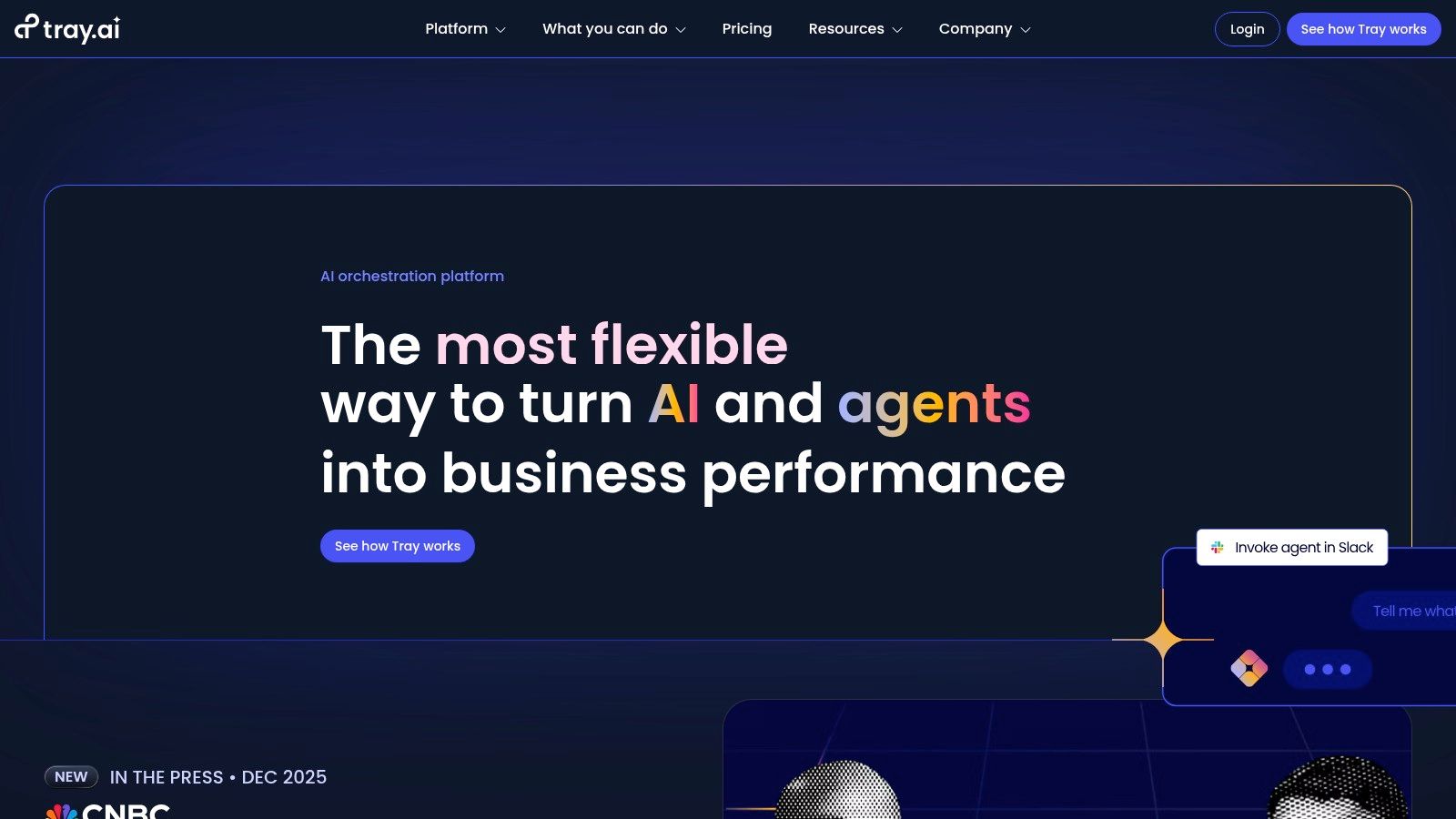
Unlike platforms with transparent, self-service pricing, Tray.io follows a sales-assisted model with no public dollar pricing listed on its site. Usage is measured by tasks, and costs can scale significantly with volume, reflecting its enterprise focus. It excels in scenarios where a business needs to build customer-facing integrations using its embedded bundle or requires strict compliance and security features like HIPAA support, SSO, and regional data hosting. The platform is best suited for organizations with dedicated technical resources to leverage its full potential.
Key Features and Considerations
- Developer-First Tooling: Tray.io provides a robust SDK and a Connector Builder, allowing development teams to create custom integrations and extend the platform's native capabilities.
- Enterprise-Grade Security: With features like SSO, HIPAA support, regional hosting, and comprehensive workspace controls, it meets the stringent security requirements of larger organizations.
- Embedded Integrations: A key differentiator is its embedded bundle, which allows SaaS companies to offer native, in-app integrations to their own customers.
- Sales-Assisted Onboarding: The lack of public pricing and the focus on custom solutions mean that getting started requires engaging with their sales team, which may not be ideal for smaller businesses looking for a quick setup.
Website: https://tray.io
12. Unito
Unito offers a specialized approach to integration, focusing on deep, two-way synchronization between work management tools rather than the broad, trigger-based automation of Zapier. It’s designed to break down silos between teams by keeping tools like Asana, Jira, Trello, and Salesforce in constant, real-time sync. This makes it a powerful alternative to Zapier for scenarios where maintaining data consistency across platforms is more critical than triggering one-off actions.
The platform shines when a project management task in Trello needs to mirror a developer issue in Jira, with comments, assignees, and due dates updated automatically in both directions. Instead of building complex, multi-step Zaps that can break, Unito creates a robust "flow" between tools. While its pricing isn't publicly listed in simple tiers and is more tailored to specific needs, it solves a complex problem that general automation tools struggle with: true cross-platform collaboration without manual data entry or duplication.
Key Features and Considerations
- Deep Two-Way Sync: Unito's core strength is its ability to create a live, bi-directional bridge between tools, ensuring data is always consistent across teams.
- Advanced Field Mapping: Users can precisely map fields between applications, including custom fields, ensuring that critical data is transferred correctly.
- Reduces Maintenance: It eliminates the need for brittle, custom-built scripts or a web of interconnected Zaps to keep project data aligned.
- Niche Focus: Unito is not a general-purpose automation tool; it is purpose-built for workflow and data synchronization and isn't ideal for simple IF-THIS-THEN-THAT automations.
Website: https://unito.io
Top 12 Zapier Alternatives — Quick Comparison
| Tool | Core features | UX / Quality (★) | Price & Value (💰) | Target (👥) | Unique selling points (✨) |
|---|---|---|---|---|---|
| LeadSavvy Pro 🏆 | Instant FB Lead Forms → Google Sheets/ built-in CRM; email alerts; mobile-friendly | ★★★★☆ (easy, guided onboarding) | Free plan (no CC); affordable upgrades 💰 | 👥 Marketers, SMBs, agencies, sales teams | ✨ Simplified FB lead automation; built-in lead viewer/CRM |
| Make | Visual canvas builder; 3,000+ app connectors; routers & filters | ★★★★☆ (powerful, steeper learning) | Free tier; credit/usage model 💰 | 👥 SMBs, power users, agencies | ✨ Highly flexible branching, mapping & templates |
| n8n | Open-source node editor; self-host or cloud; unlimited steps | ★★★☆☆ (technical setup) | Self-host free; hosted plans with quotas 💰 | 👥 Technical marketers, dev teams, agencies | ✨ Data ownership, JS extensibility |
| Microsoft Power Automate | Cloud flows + RPA; Dataverse; MS365 & premium connectors | ★★★★☆ (enterprise-grade) | Paid tiers; complex entitlements 💰 | 👥 Enterprises, MS365/Dynamics customers | ✨ Deep Microsoft ecosystem & governance |
| Pipedream | Code + no-code workflows; webhooks, JS steps, GitHub sync | ★★★★☆ (dev-friendly) | Generous free usage; credit model 💰 | 👥 Developers, API-heavy workflows | ✨ Strong webhook/API support and JS steps |
| Integrately | 1-click SmartConnect; 1,500+ apps; ready FB Lead Ads flows | ★★★☆☆ (very simple) | Budget-friendly tiers 💰 | 👥 Small businesses, marketers | ✨ One-click setups for fast deployment |
| Pabbly Connect | Unlimited workflows on promoted plans; 2,000+ integrations | ★★★☆☆ (easy, less polished) | Aggressive pricing for high volume 💰 | 👥 High-volume marketers, SMBs | ✨ Unlimited tasks plans; extensive tutorials |
| Zoho Flow | Logic utilities, variables, Zoho app integration | ★★★☆☆ (simple, Zoho-centric) | Competitive pricing; free edition 💰 | 👥 Zoho customers, SMBs | ✨ Tight integration across Zoho apps |
| Albato | Transaction-based pricing; fast update times; white-label option | ★★★☆☆ (approachable) | Transparent per-transaction pricing 💰 | 👥 Marketers, SMBs, SaaS vendors | ✨ Embedded/white-label iPaaS; clear rates |
| Workato | Enterprise recipes, connectors, governance, on-prem agents | ★★★★☆ (mature enterprise) | Custom, typically higher cost 💰 | 👥 Large enterprises, agencies | ✨ Scales for complex, mission-critical automations |
| Tray.io | Visual builder + SDK/Connector Builder; many connectors | ★★★★☆ (developer-focused) | Sales-assisted, usage-based pricing 💰 | 👥 Mid-market & enterprise dev teams | ✨ Strong developer tooling & AI agents |
| Unito | True two-way field-level sync; 60+ app connectors | ★★★★☆ (sync-focused) | Self-serve & Enterprise packages 💰 | 👥 Cross-functional teams (sales, eng, PM) | ✨ Deep two-way sync and field mapping |
Choosing Your Perfect Automation Partner
The automation landscape is vast and vibrant, and as we've explored, Zapier is far from the only player in the game. The key takeaway is that the "best" automation tool is not a one-size-fits-all solution; it's the one that aligns perfectly with your business’s unique operational needs, technical expertise, and growth trajectory. Moving away from a default choice opens up a world of specialized, powerful, and often more cost-effective options.
We've seen how platforms like Make offer unparalleled visual control for complex, branching workflows, making it a creative's dream. For developers and those demanding complete data sovereignty, the open-source, self-hostable nature of n8n provides ultimate power and customization. Meanwhile, enterprise-grade tools like Workato and Tray.io deliver the robust governance, security, and scalability required by large organizations managing mission-critical processes. Each alternative to Zapier we’ve covered carves out its own niche, proving that specialization often trumps a generalist approach.
How to Make Your Decision
Choosing your ideal platform requires a strategic evaluation of your core requirements. Don't get distracted by a tool that boasts thousands of app integrations if you only ever use ten. Instead, focus on the workflows that deliver the most significant impact on your revenue and efficiency.
Here are the critical factors to guide your selection process:
- Primary Use Case: What is the single most important process you need to automate? If it's syncing Facebook Lead Ads, a specialized tool like LeadSavvy Pro will outperform a general iPaaS. If it's complex internal data routing, a platform like Pipedream or Make might be a better fit.
- Technical Comfort Level: Be honest about your team's skills. Do you prefer a simple, no-code, point-and-click interface like Integrately, or are you comfortable with JSON, APIs, and the more technical environment of a tool like n8n?
- Scalability and Pricing: Consider not just your current needs but where you'll be in a year. Pabbly Connect offers a compelling lifetime deal for predictable costs, whereas usage-based models from platforms like Make can scale but may become expensive with high task volume. Map out your anticipated usage to avoid surprise bills.
- Support and Community: When a crucial automation breaks, how quickly can you get help? Evaluate the support options available, from community forums (n8n, Pipedream) to dedicated enterprise support (Workato, Tray.io). A strong support system can be just as valuable as the software itself.
Final Thoughts on Your Automation Journey
The journey to find the right alternative to Zapier is an investment in your business’s future efficiency. The right tool won't just save you time; it will unlock new opportunities, accelerate your sales cycle, and allow your team to focus on high-value strategic work instead of repetitive manual tasks. Take the time to test your top two or three contenders with a free trial. Build out a core workflow and see how intuitive the process feels.
This initial effort will pay dividends, ensuring you select a true partner in automation that grows with you. To help you navigate the landscape of tools, this guide on choosing the best marketing automation software offers valuable insights. Ultimately, by moving beyond the default option, you are empowering your business with a more tailored, efficient, and powerful operational backbone.
Tired of manually downloading CSVs from Facebook and letting valuable leads go cold? LeadSavvy Pro is the specialized alternative to Zapier built to solve one problem perfectly: instantly syncing your Facebook Lead Ads to your Google Sheets or CRM. Get started in minutes and ensure your sales team gets every lead in real-time by trying LeadSavvy Pro today.